Setup Ingredients list section
This guide describes how to set up the Ingredients list section.
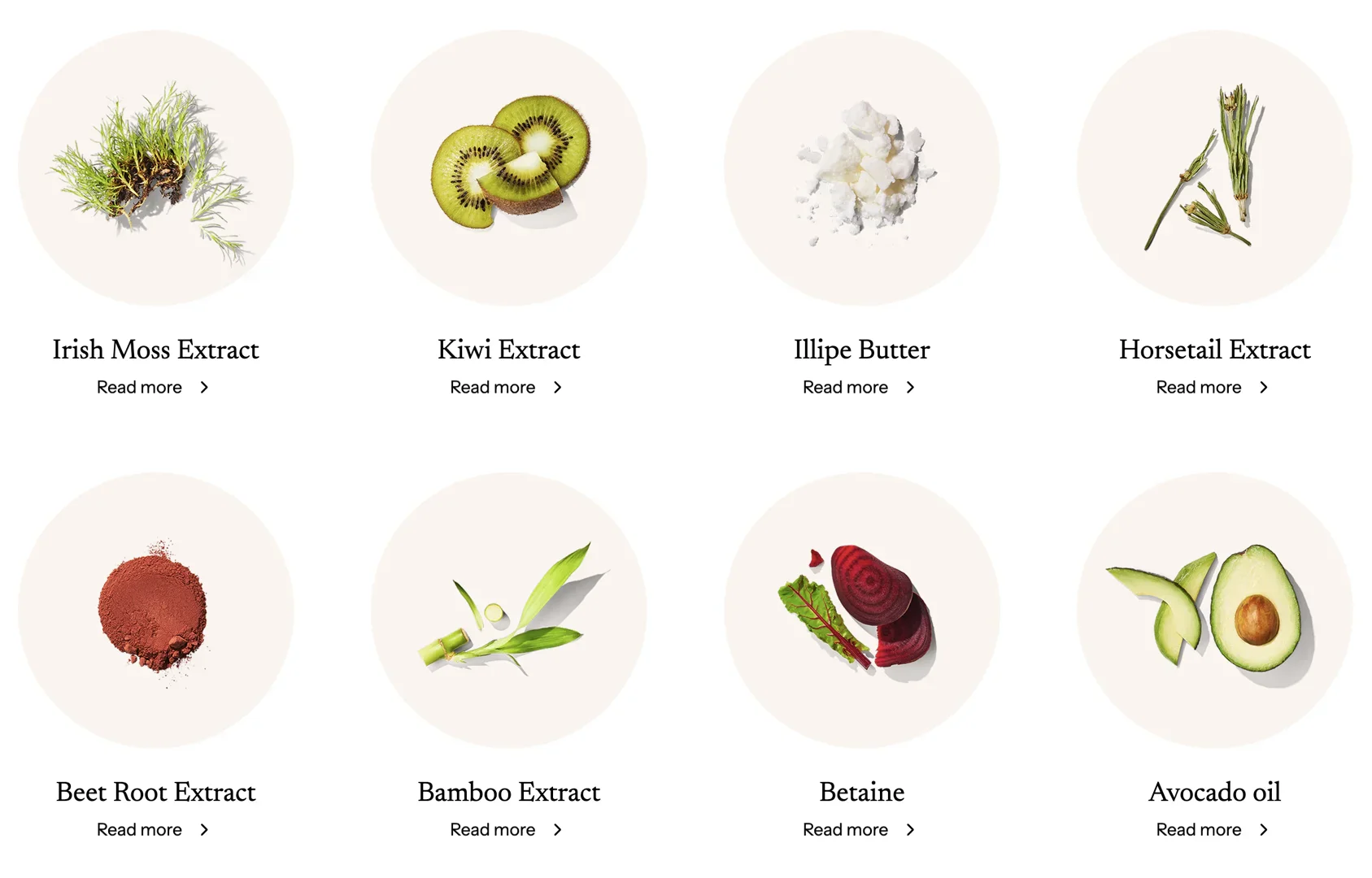
In essence, these are blog posts. Therefore, the section must create blog posts that belong to the Ingredients category.
Create blog category
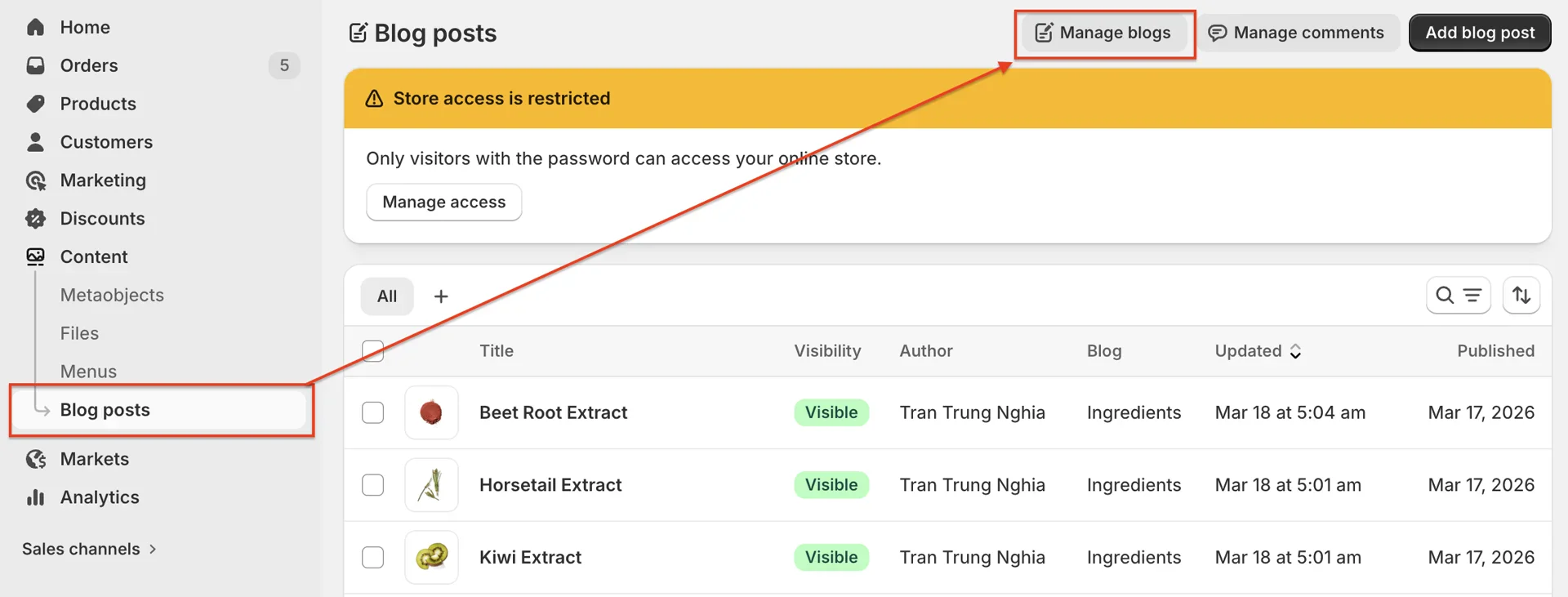
- On your store's Shopify admin page, in the side menu, select Content > Blog posts > Manage blogs
-
Create a new blog category by clicking the Add blog button.
-
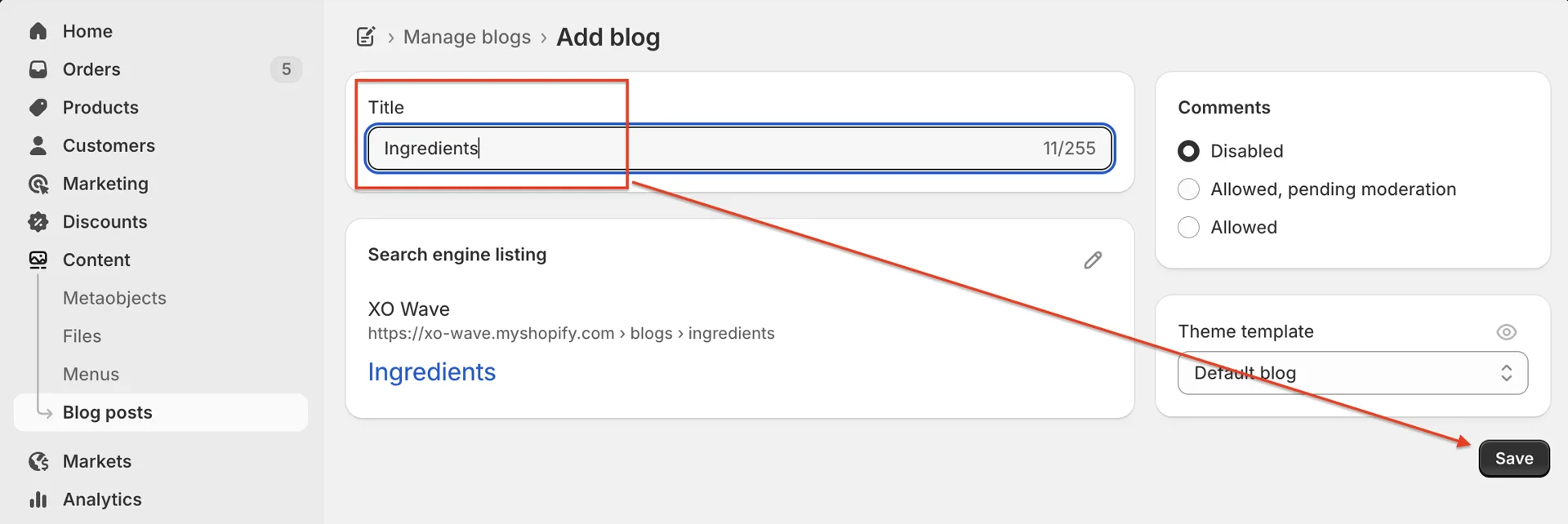
Enter the blog category title > click Save to store it.
Create blog post
-
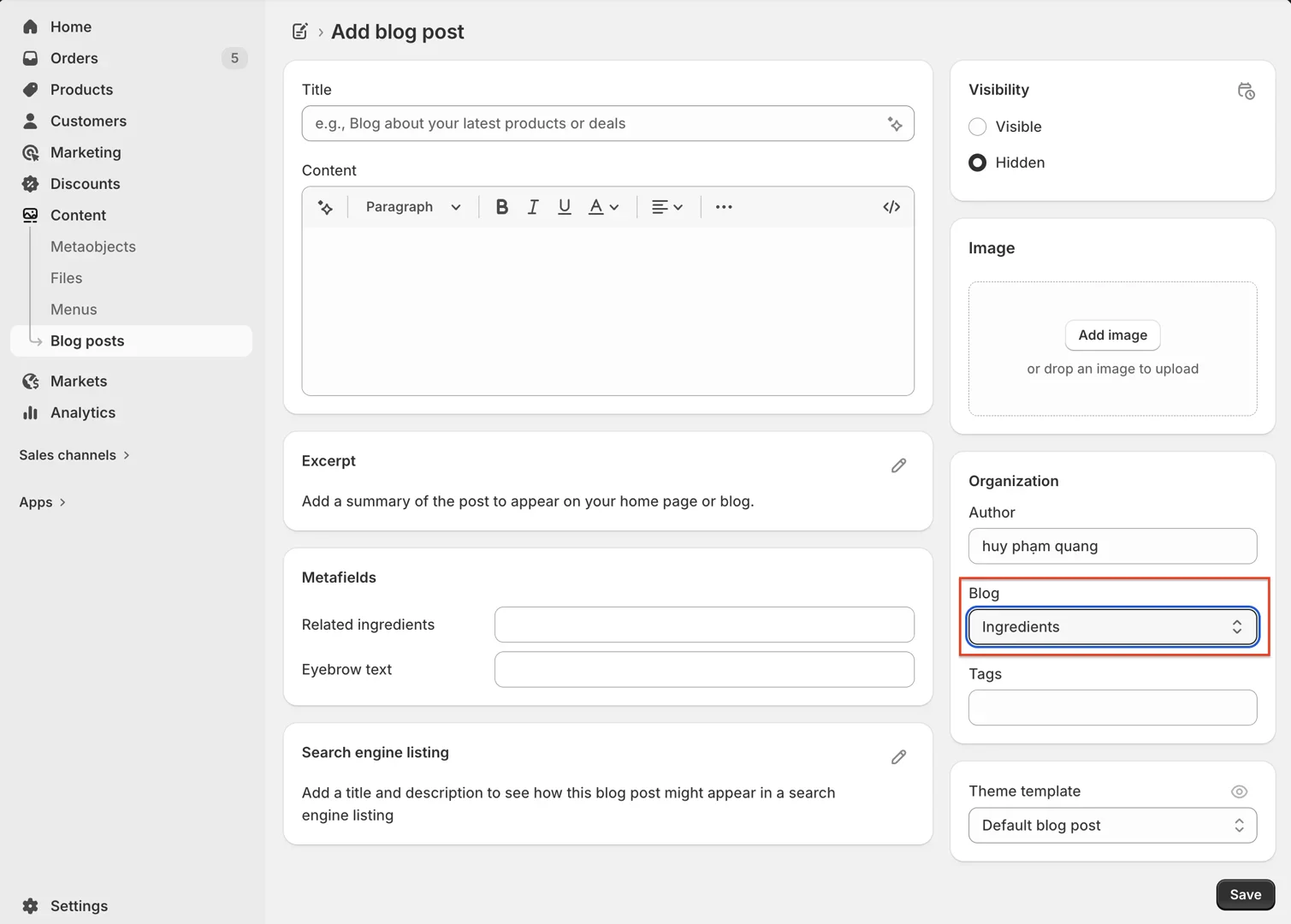
On your store's Shopify admin page, in the side menu, select Content > Blog posts > Add blog post
-
In the blog editor page, fill in details such as Title, Content, Excerpt, Image...
-
In the Blog section, select the category you created above.
-
You can also assign a theme template using one of the templates available in the theme.
Add Ingredients list section
-
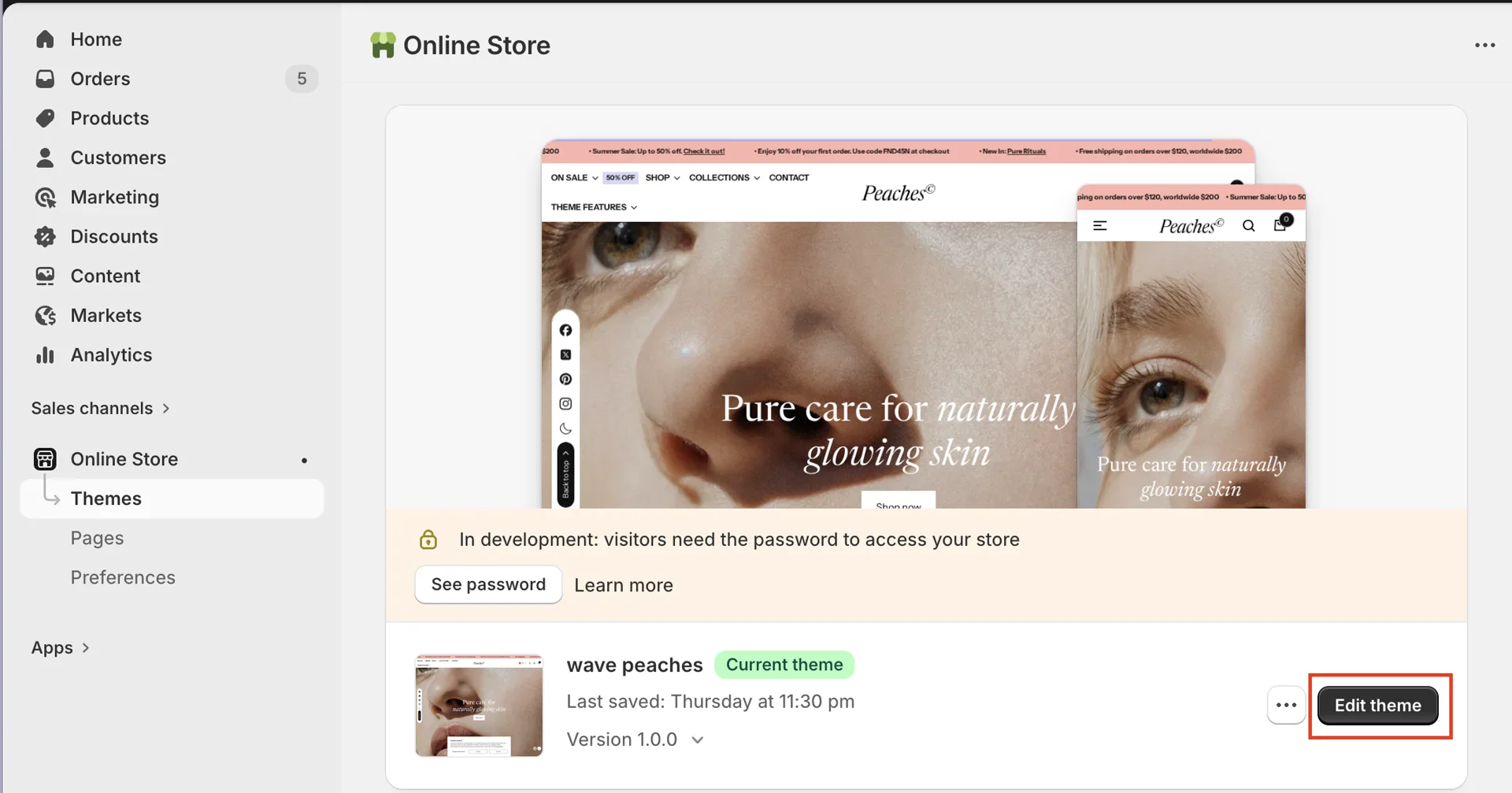
On your store's Shopify admin page, from the left-side menu, select Sales channels > Online store > Themes.
-
In the Current theme section, select Edit theme (or Customize) to open the Theme editor.
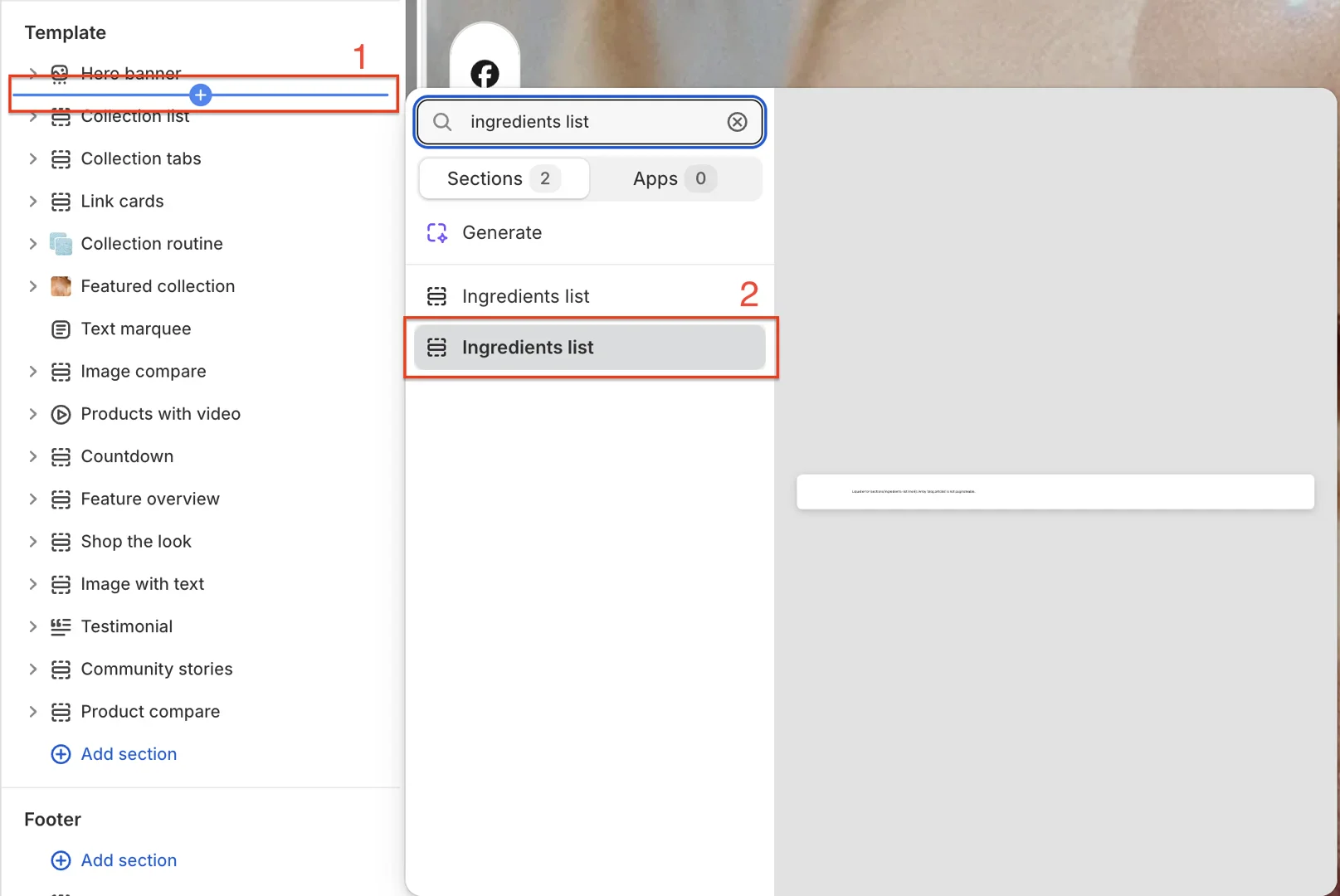
- Add Ingredients list
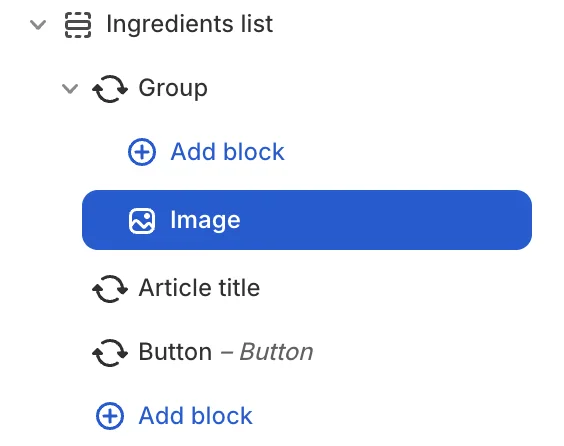
- Configure the section and blocks
- When you add the section, 3 blocks are available by default: Group, Article title, and Button. Then, add an additional Image block inside the Group block.
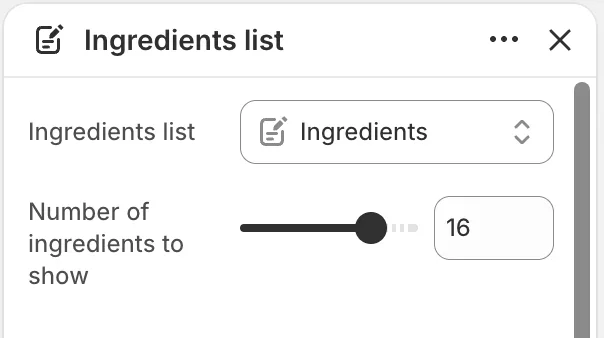
- Section settings: select the Ingredients blog and adjust the number of blog posts to display.
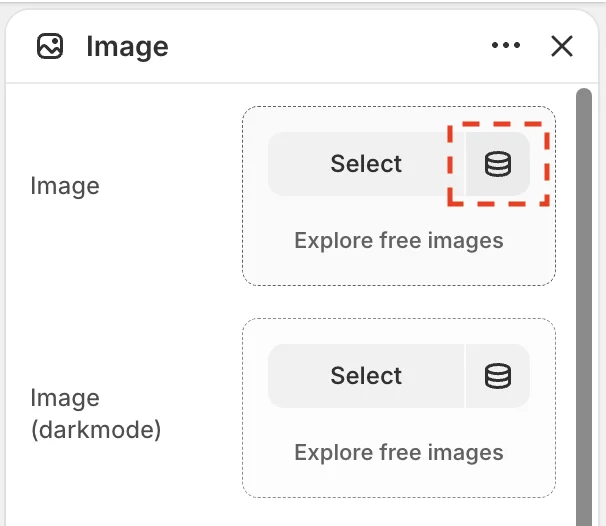
- Block Image > in the Image field, select Connect dynamic source > Image of the blog.
You can also choose an additional image for dark mode.
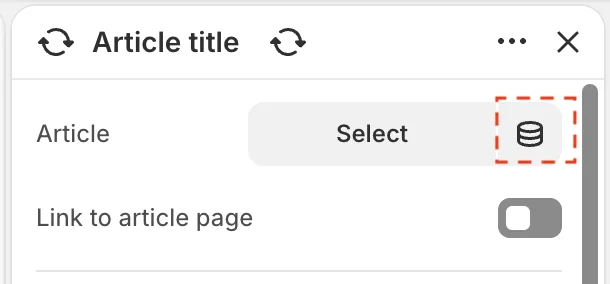
- Block Article title > in the Article field, select Connect dynamic source > Blog post.
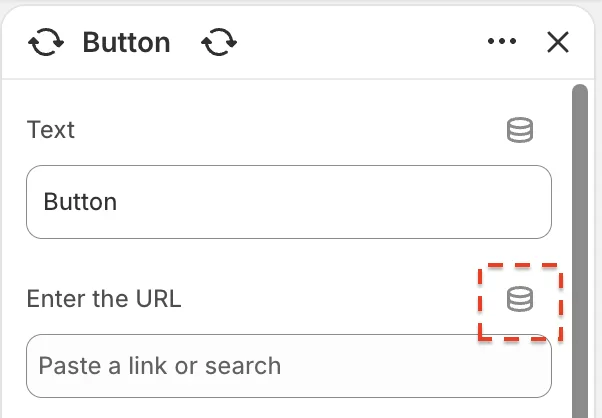
- Block Button > in the URL field, select Connect dynamic source > Blog post URL.