Change collection template
This guide describes how to assign a template to a collection.
Assign collection to a template
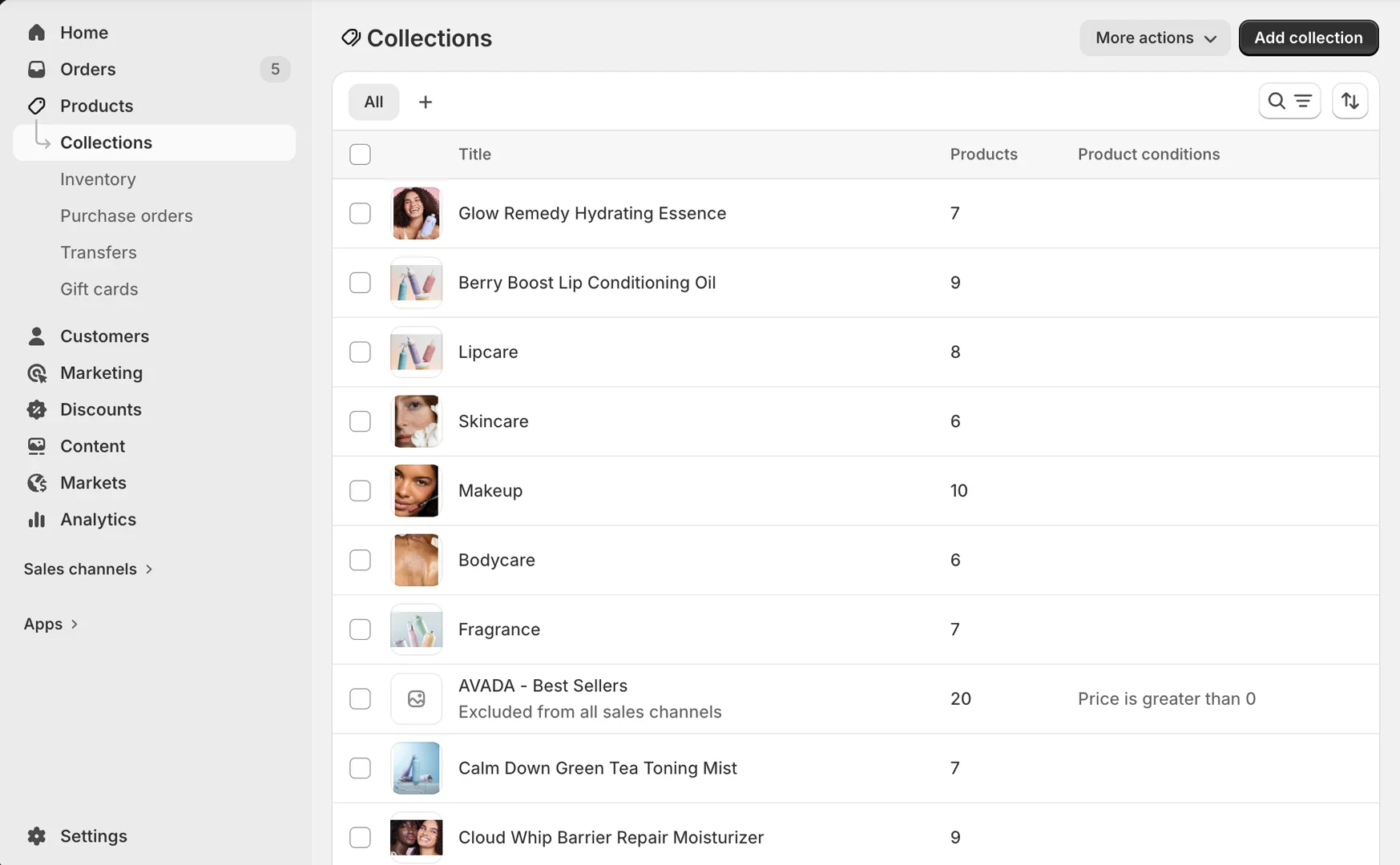
- On your store's Shopify admin page, in the side menu, select Products > Collections > Select the collection you want to assign a template to.
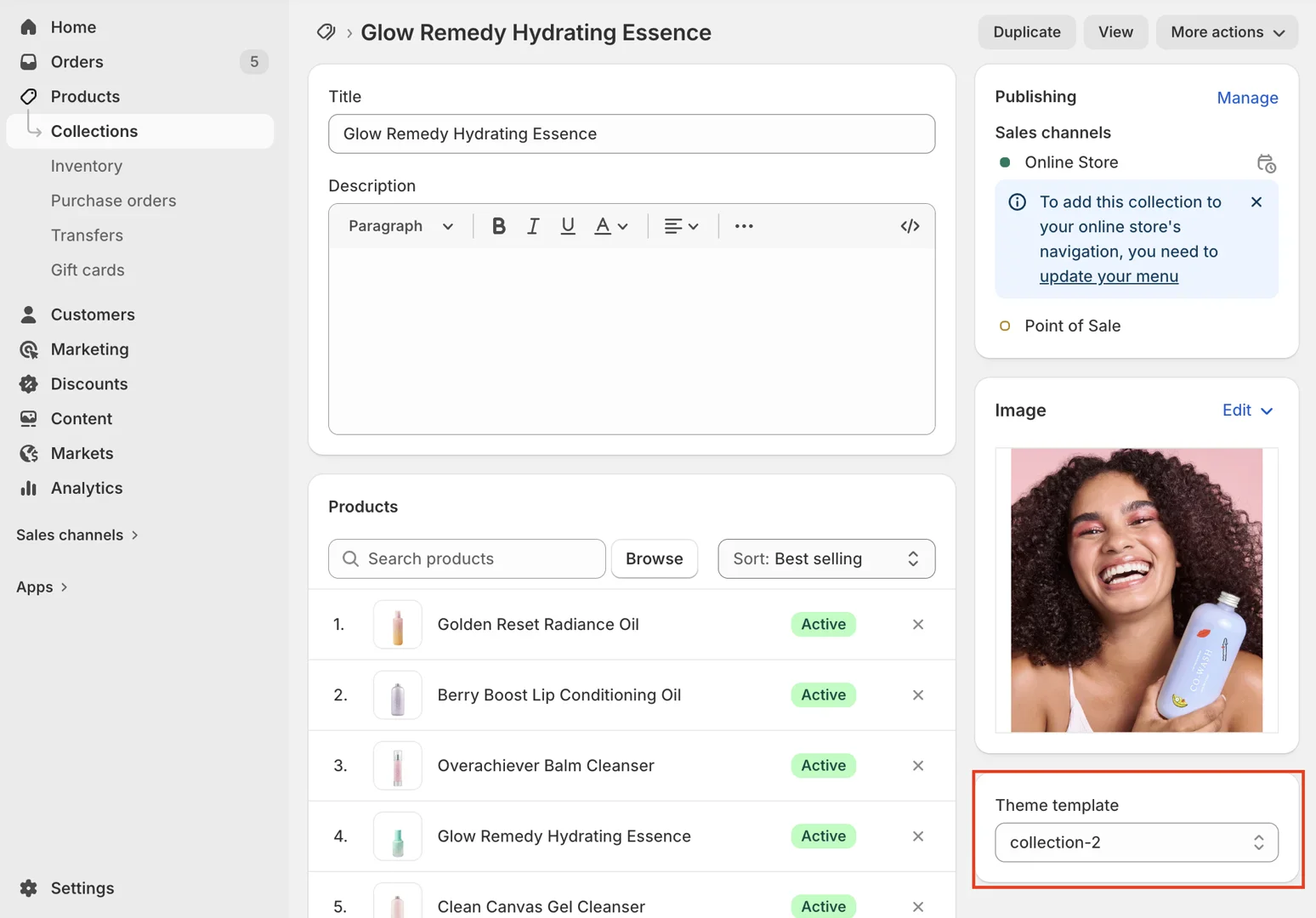
- On the collection page, in the Theme template box, select the template you want to use for the collection.
Currently, our theme includes 8 preset collection page layouts, grouped into 2 types:
-
Layout filters: Vertical, Horizontal, Drawer
-
Product card style: Quickview gallery, Bottom actions, Overlay actions....
After selecting, click the Save button at the bottom of the page.