Setup Pre-order
This guide describes how to set up Pre-order - Continue selling when out of stock.
Setup product
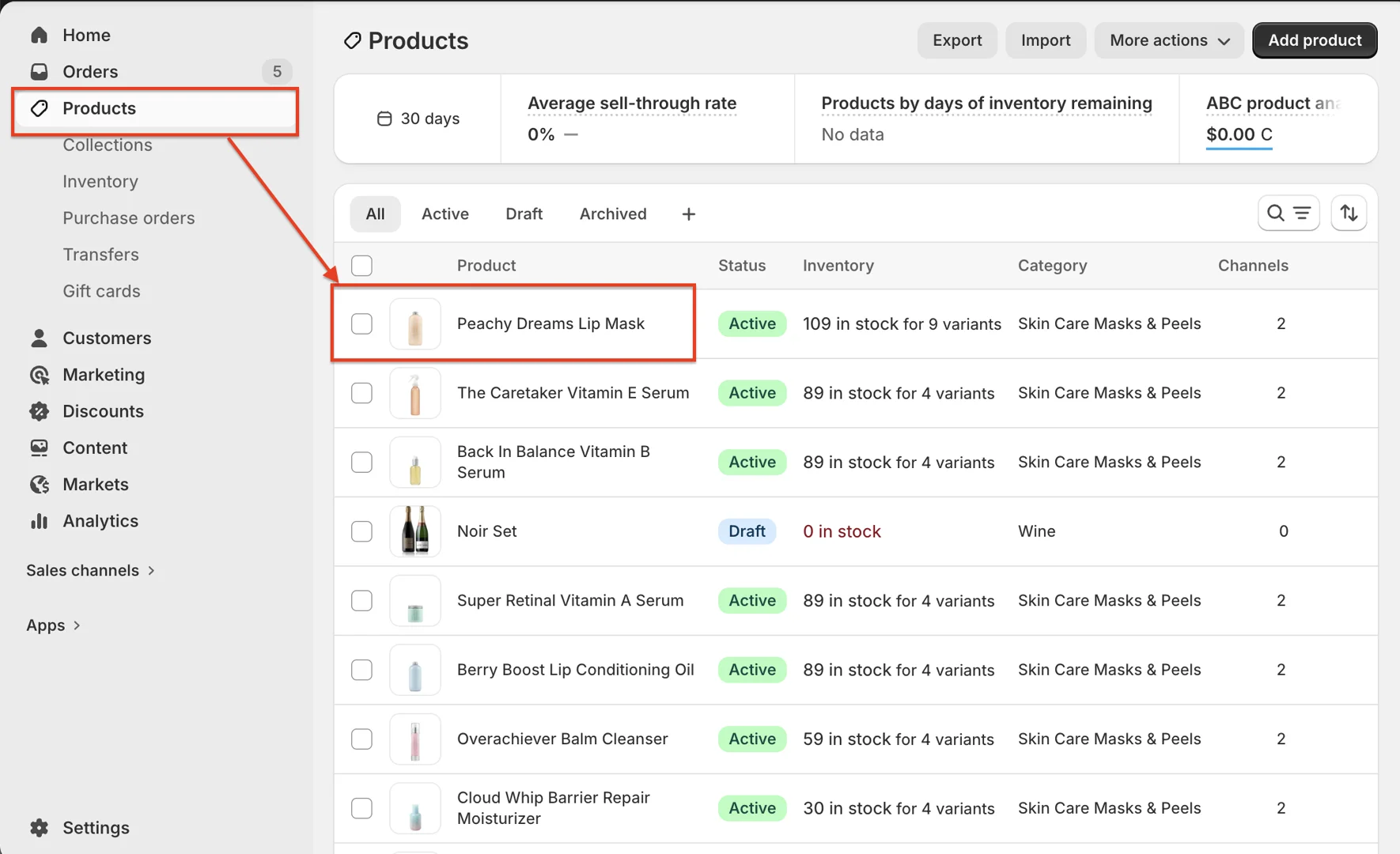
- On your store's Shopify admin page, in the side menu, select Products > Select the product
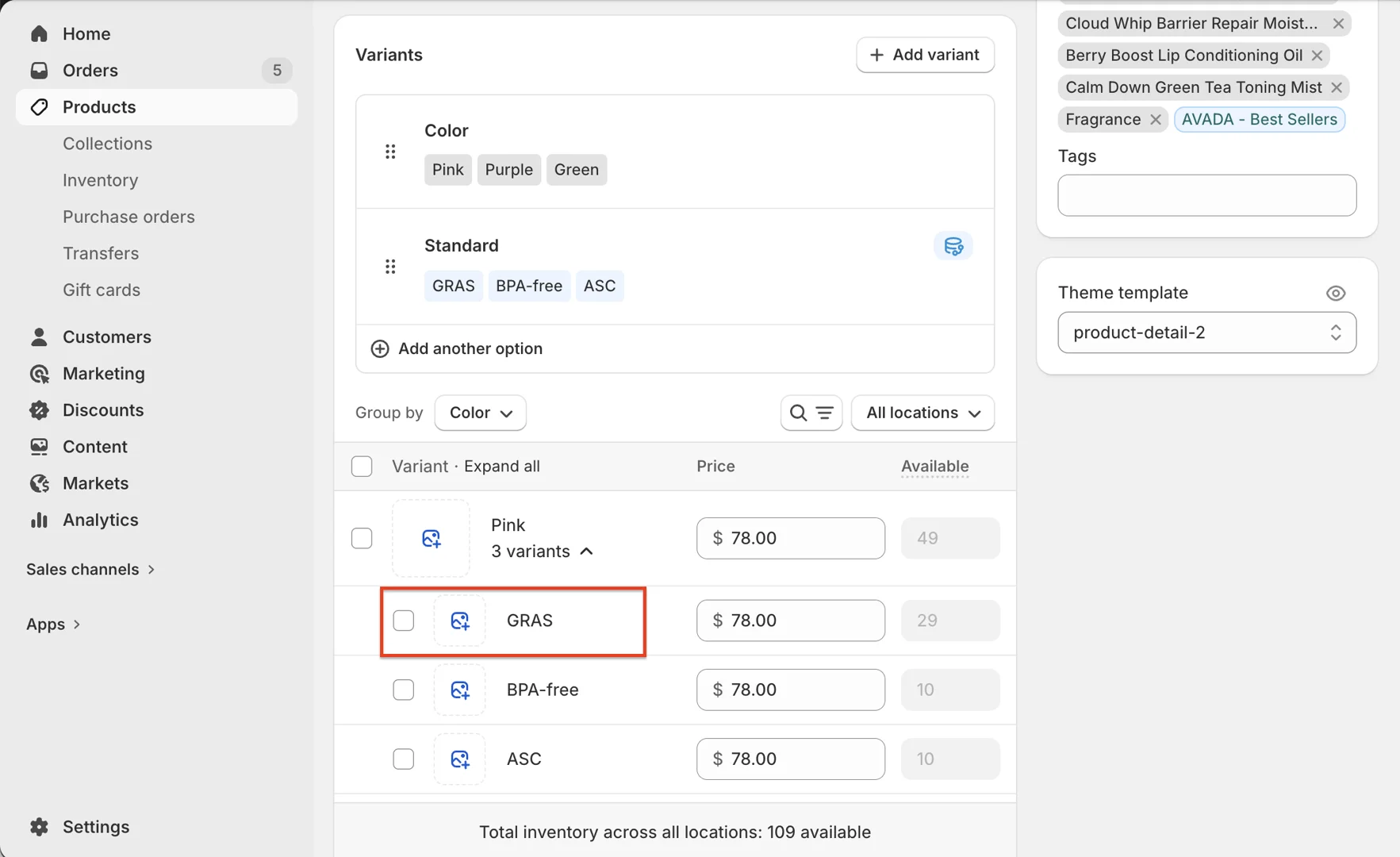
- On the product page > scroll to the Variants box > access the variant
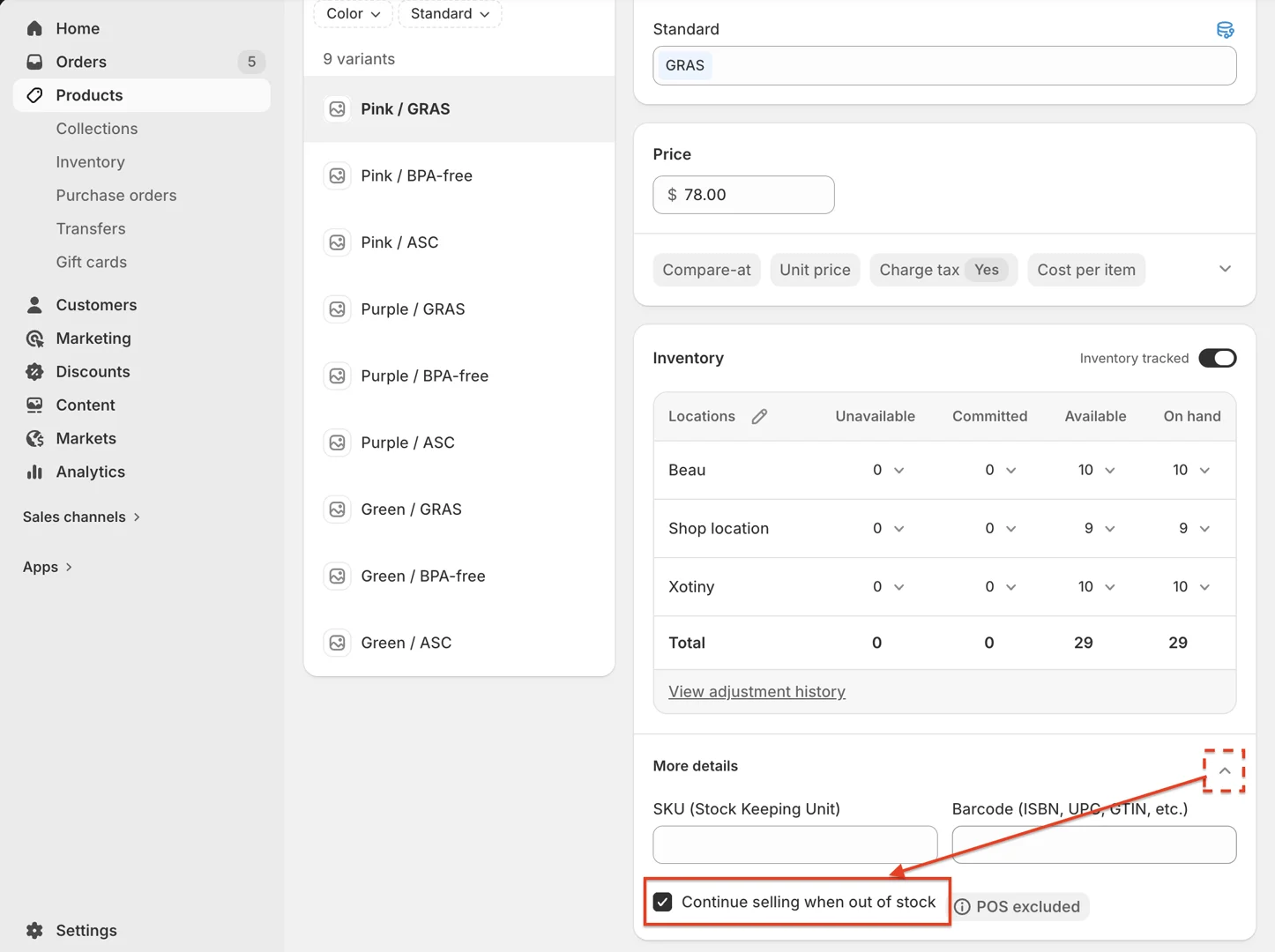
- On the variant details page > scroll to the Inventory box > click the accordion icon to expand > enable "Continue selling when out of stock"
- Then, when the variant's inventory quantity drops below 0, that variant will display Pre-order text
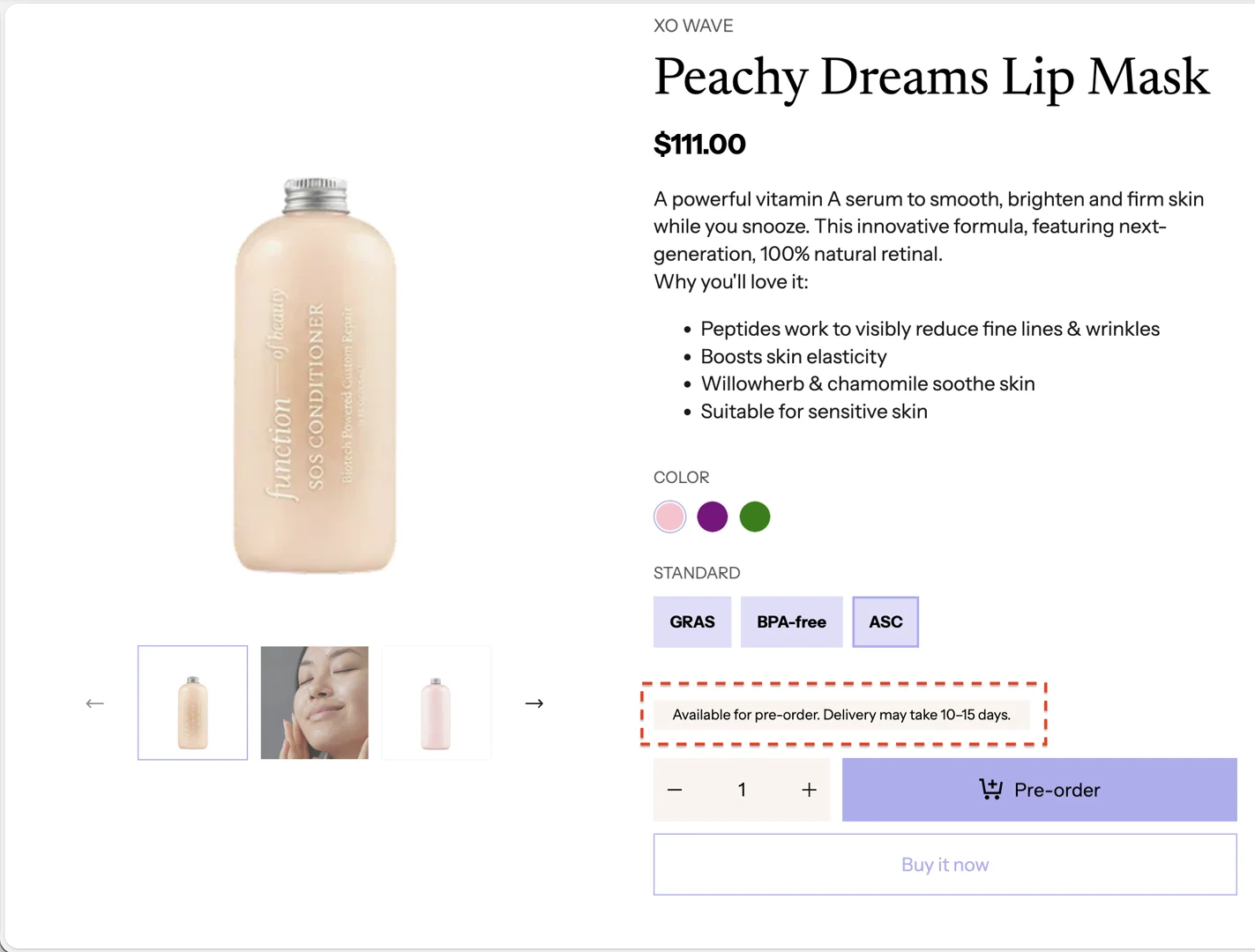
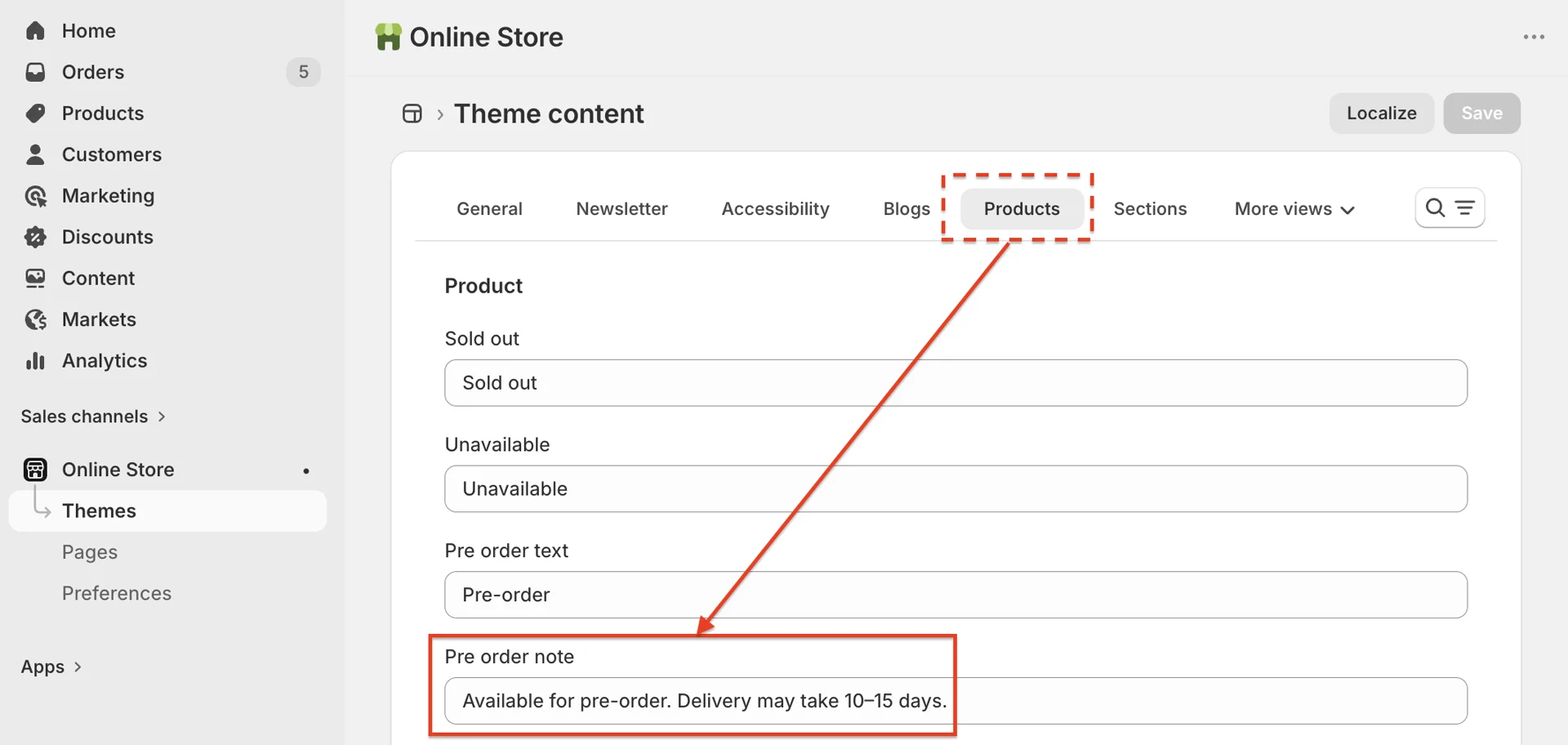
To change this text, go to Theme content > Products > change the content in Pre order note