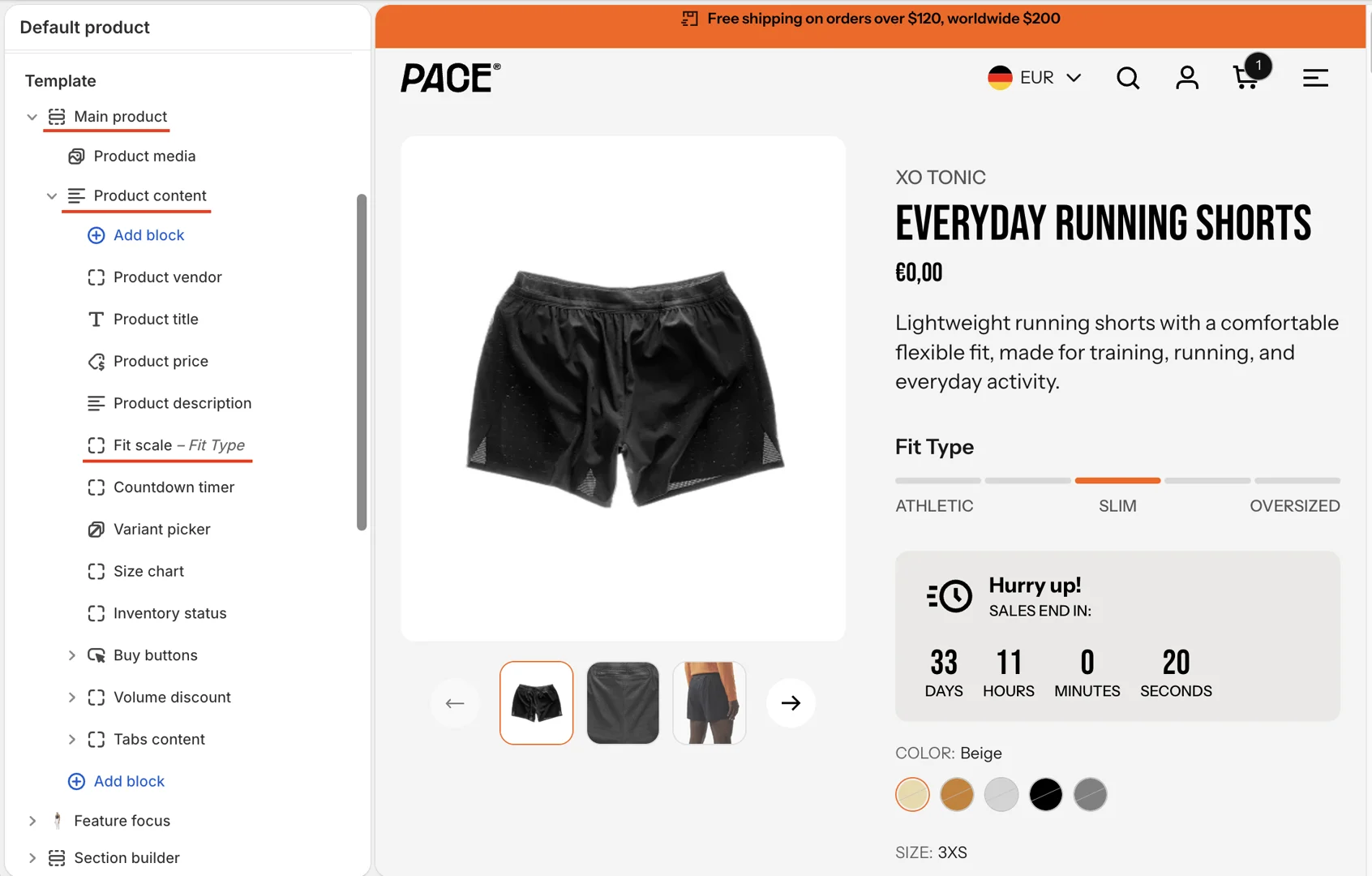
Setup Fit scale - Main product block
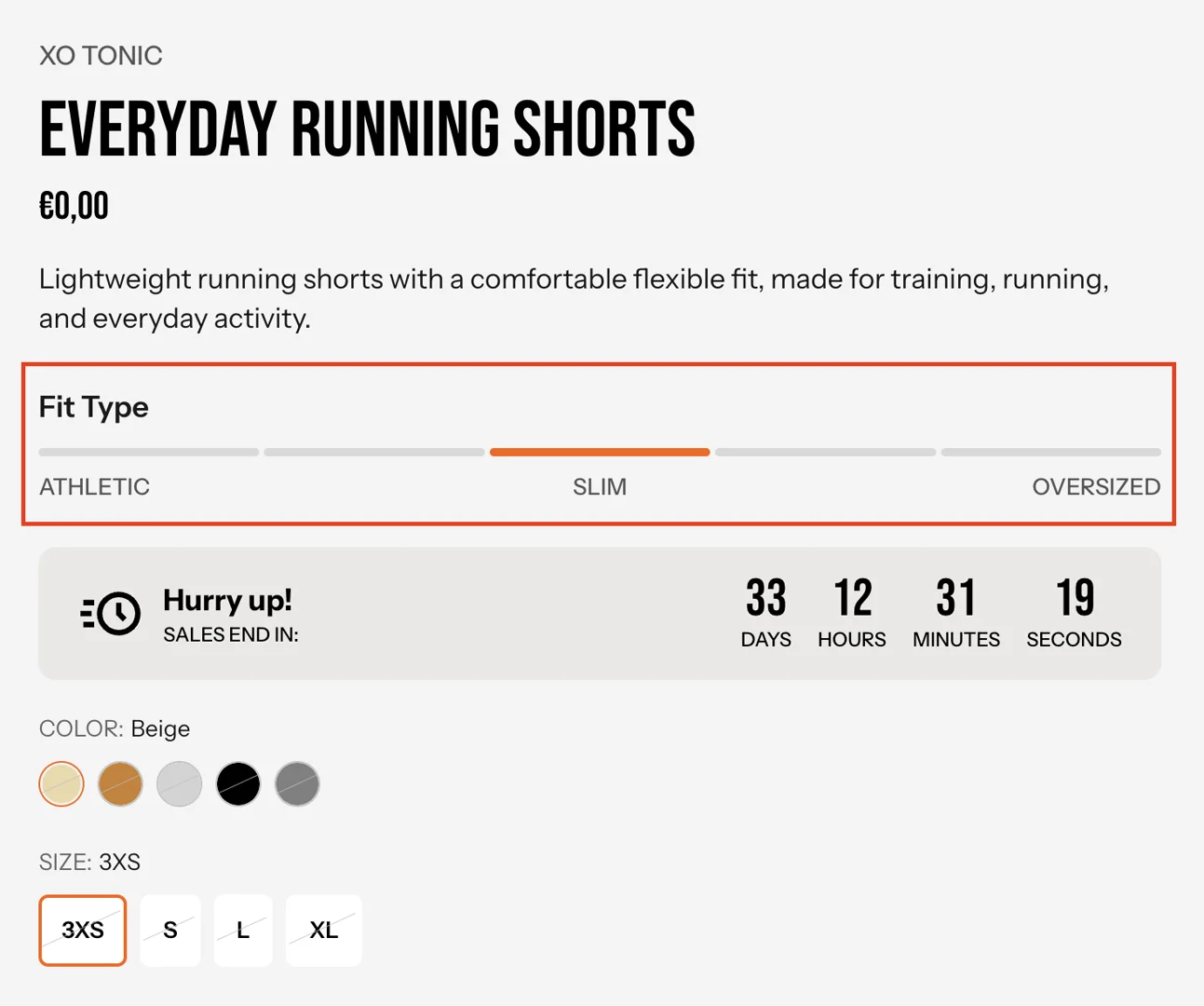
This guide describes how to set up the Fit scale block in the Main product section.
Create metaobject and add entry
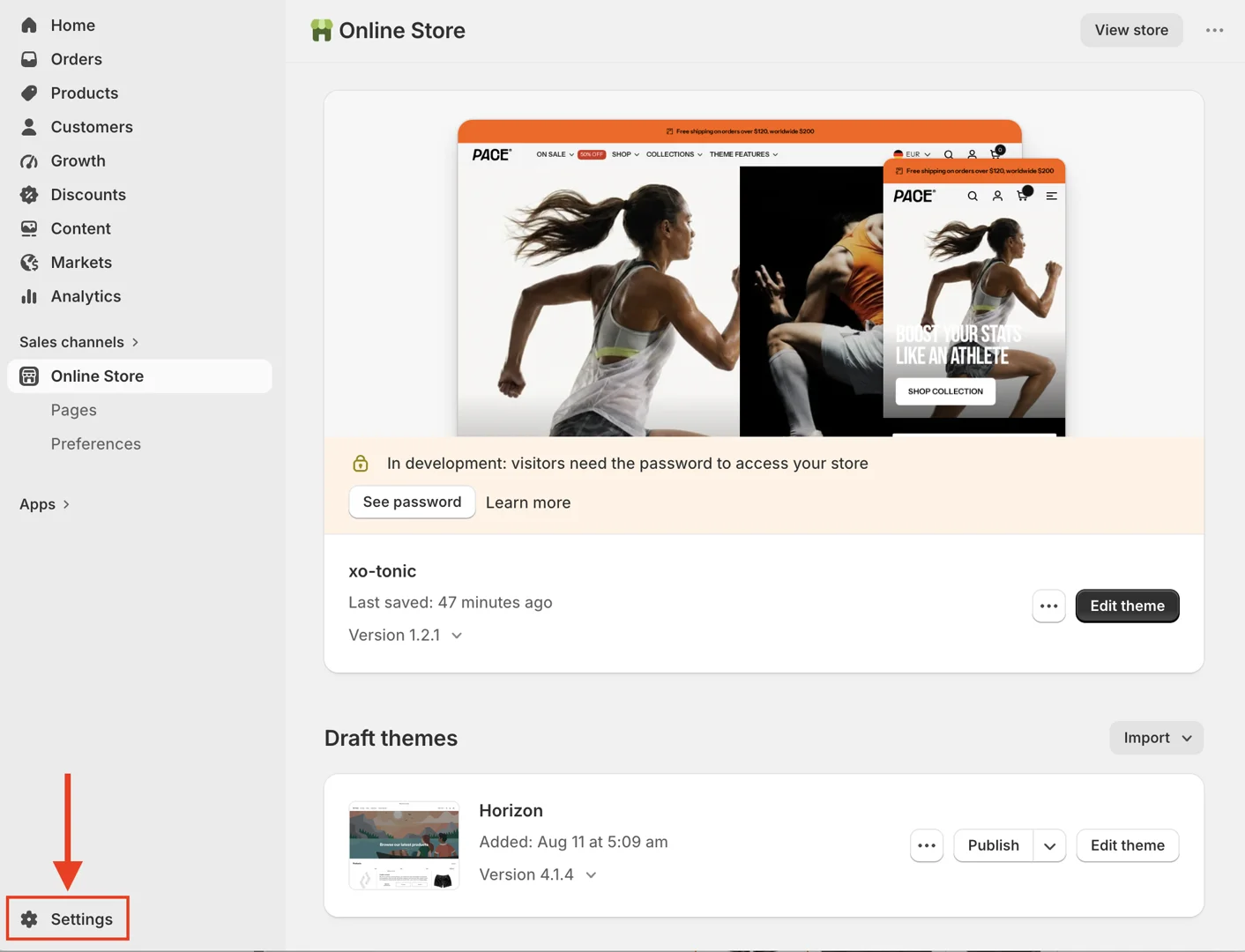
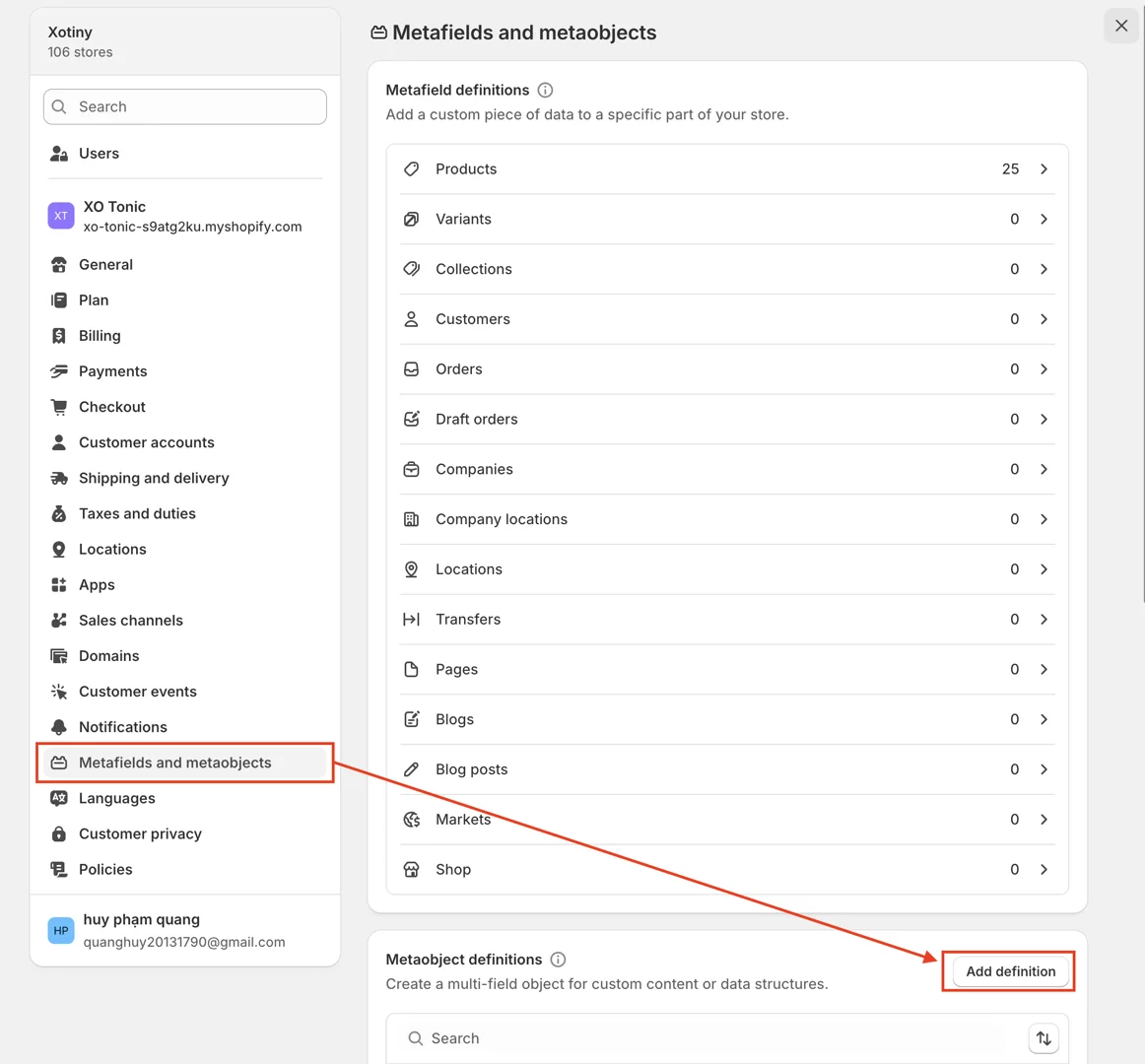
- In the Admin dashboard, go to Settings > Metafields and Metaobjects > in the Metaobject definitions box, select Add definition.
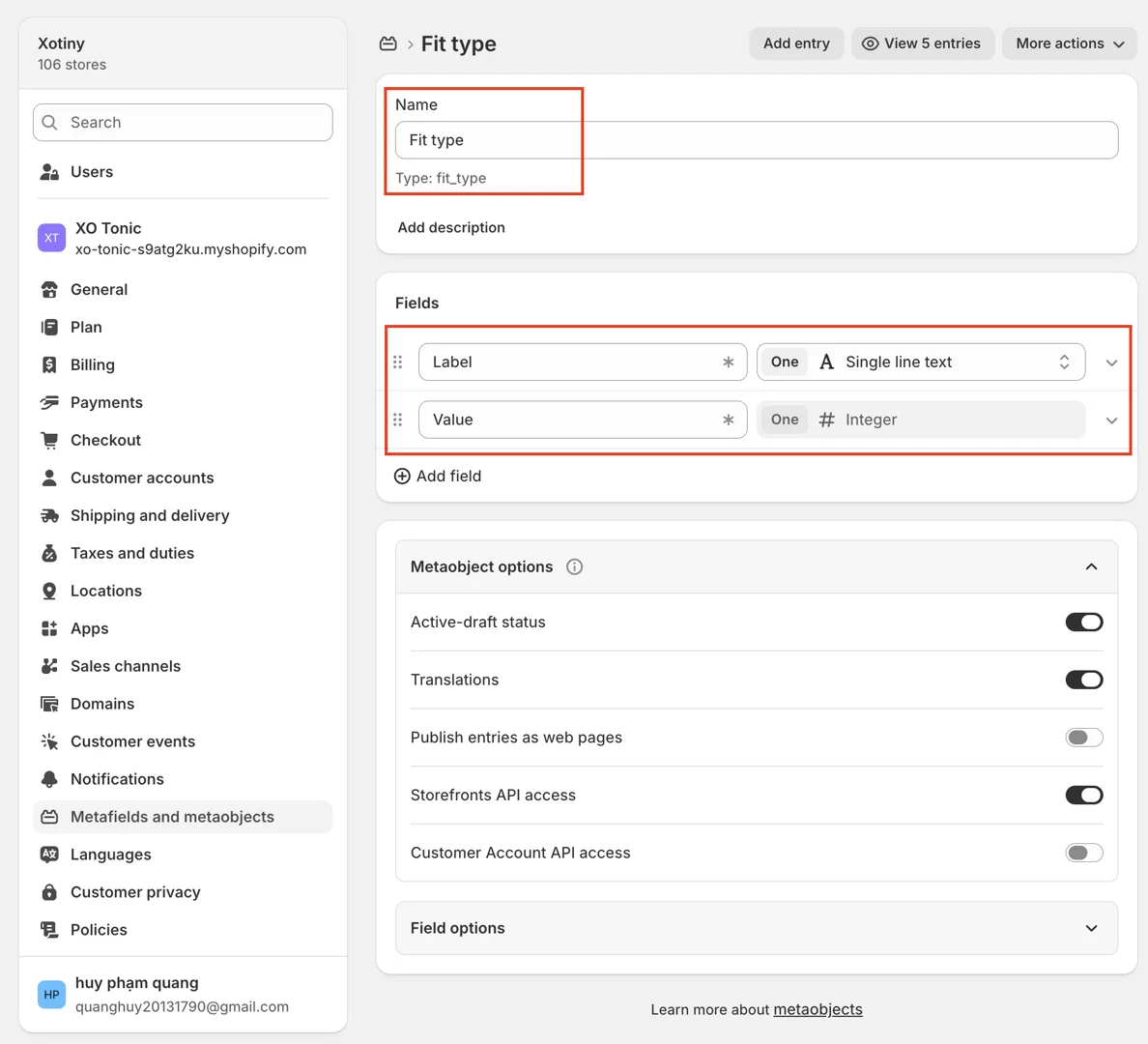
- In the Add definition window, enter the correct name and type for each field:
- Name: Fit type
Fields:
-
Label - One value - Single-line text
-
Value - One value - Integer
After creating the fields, click Save to create the metaobject.
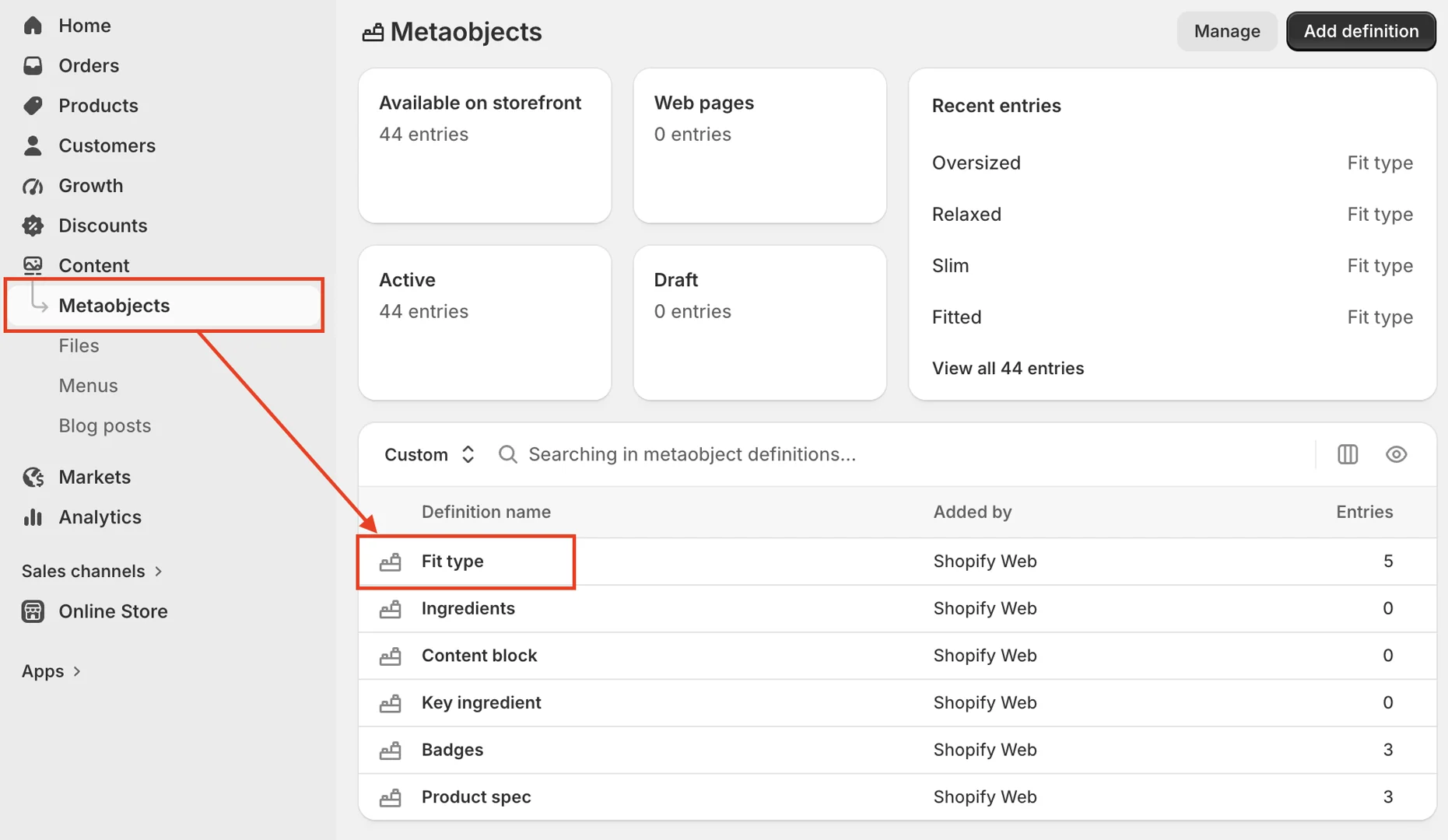
- After creating the metaobject, go to Admin dashboard > Content > Metaobjects > Fit type > Add entry.
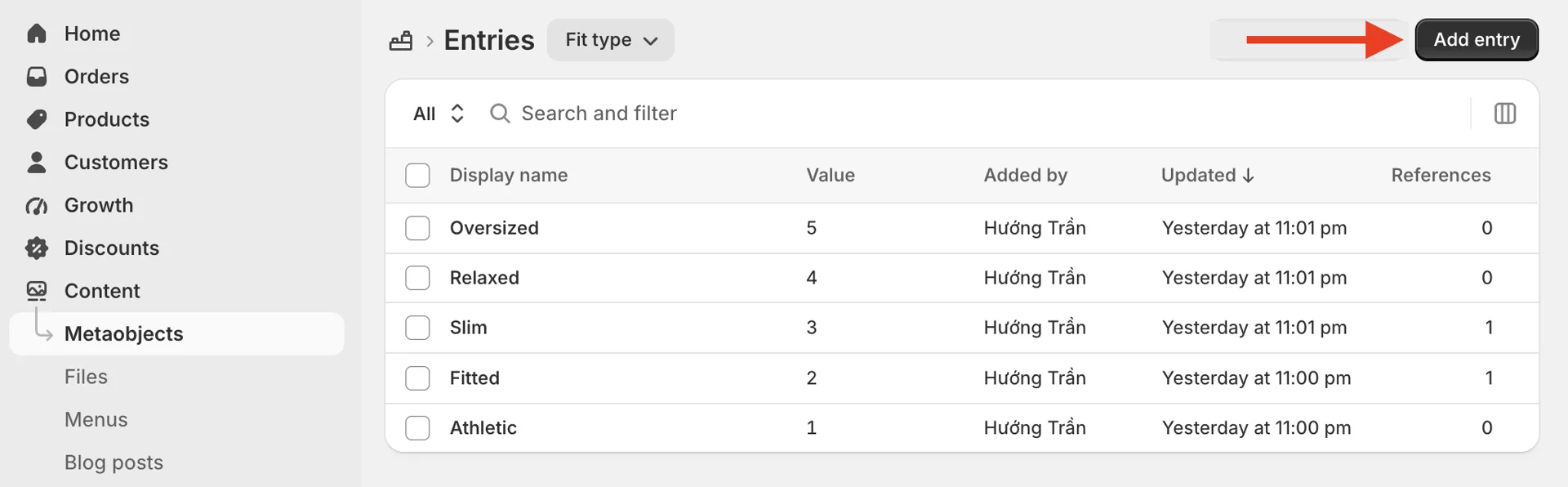
Enter the required information, then click the Save button to create the entry.
Note:
-
The value increases sequentially and determines the display order from left to right.
-
We recommend limiting the number of entries to 5 for the best UI experience.
Create product metafield
- In the Admin dashboard, go to Settings > Metafields and Metaobjects > under Metafield definitions, select Products > Add definition.
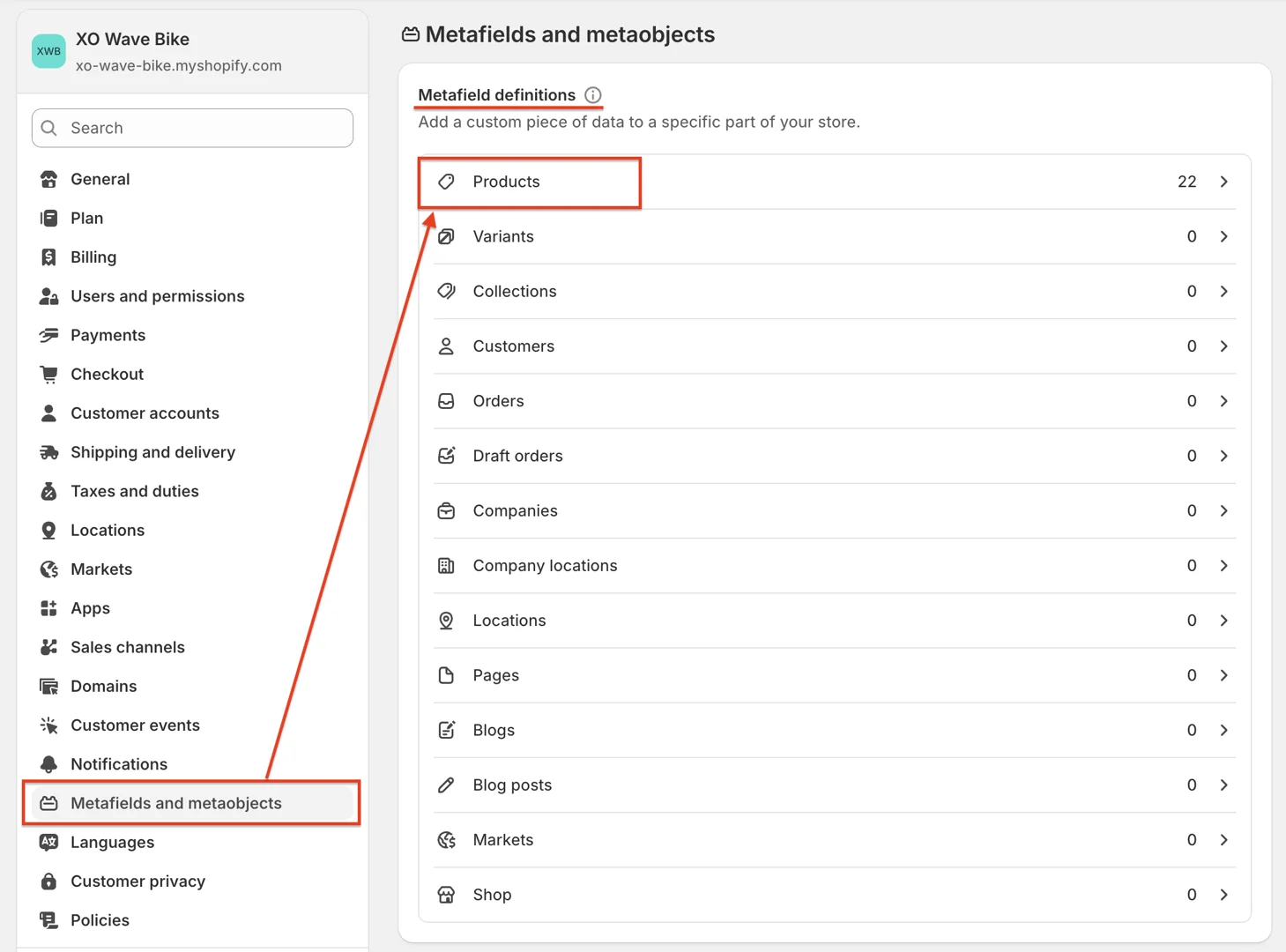

- In the product metafield definition window:
-
Name: enter the correct name, Fit type. This is required because the theme uses this ID to render the data.
-
Type: select One value > Metaobjects > Fit type
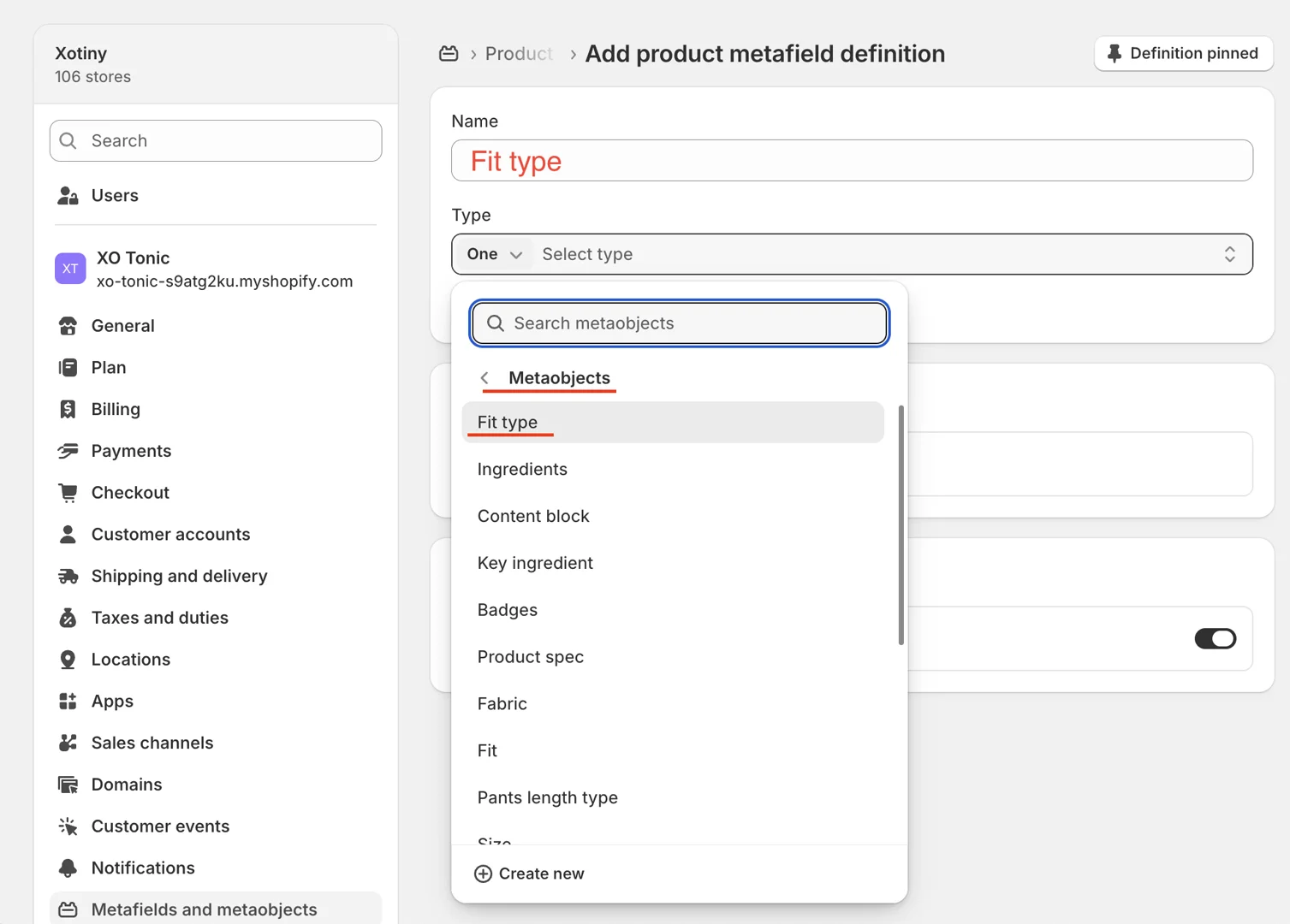
Assign value for metafield
- Go to Product > select the product > scroll to the product page metafield section.
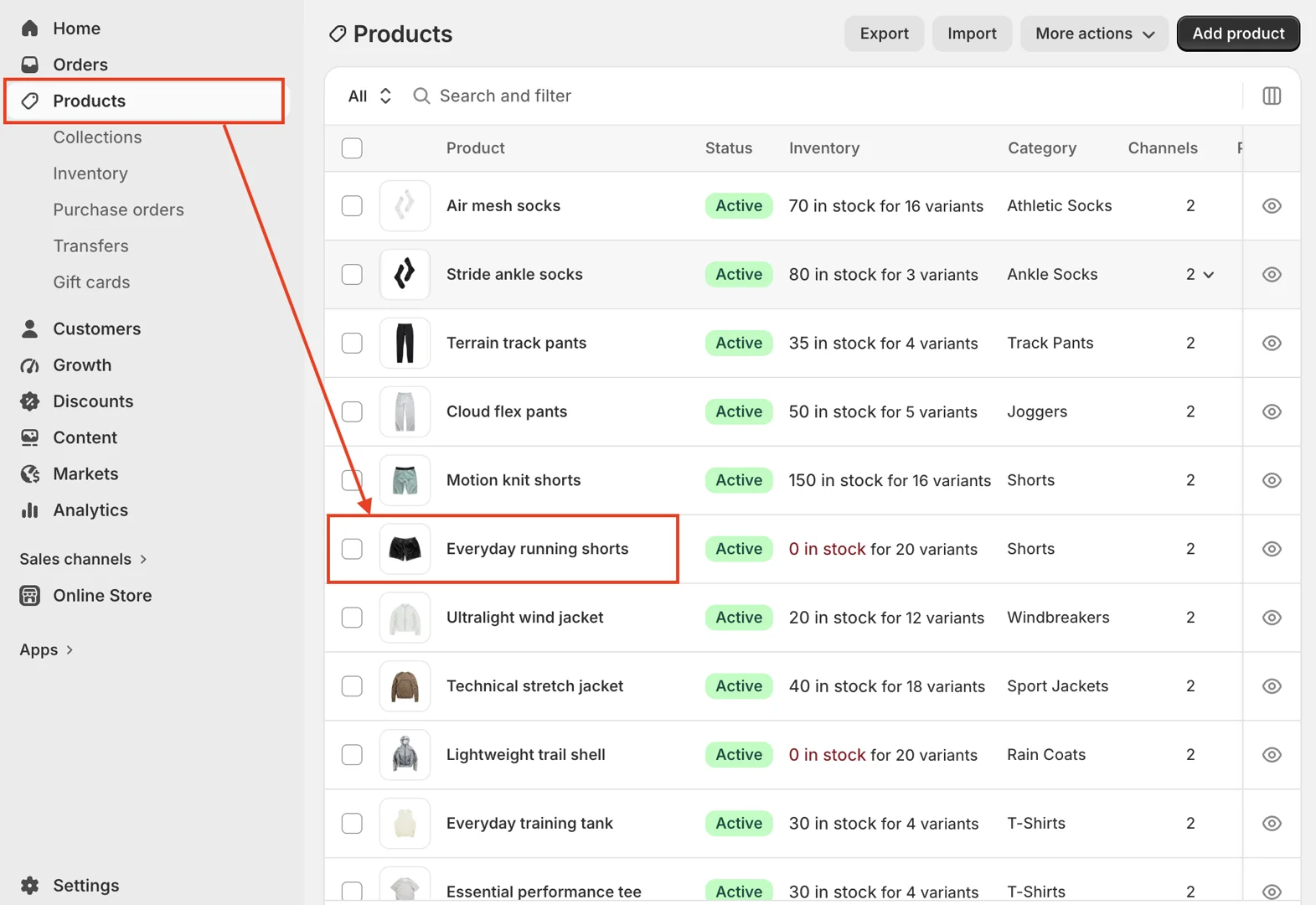
In the Fit type field, select the entry, then click Save to store the information.
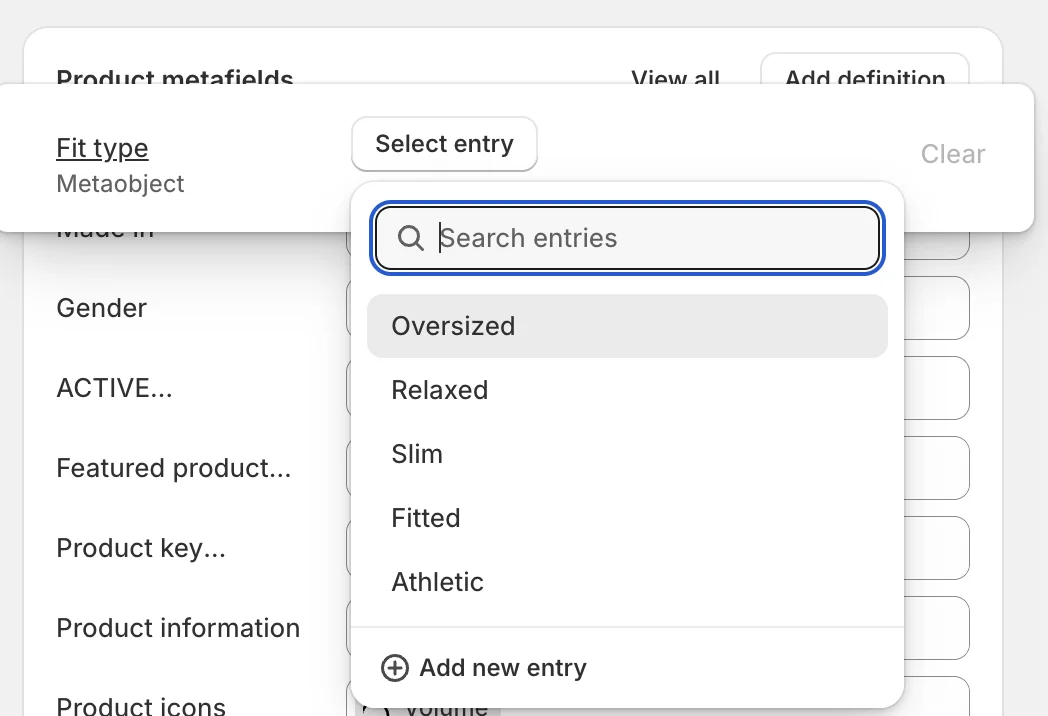
Set up the Main product section
-
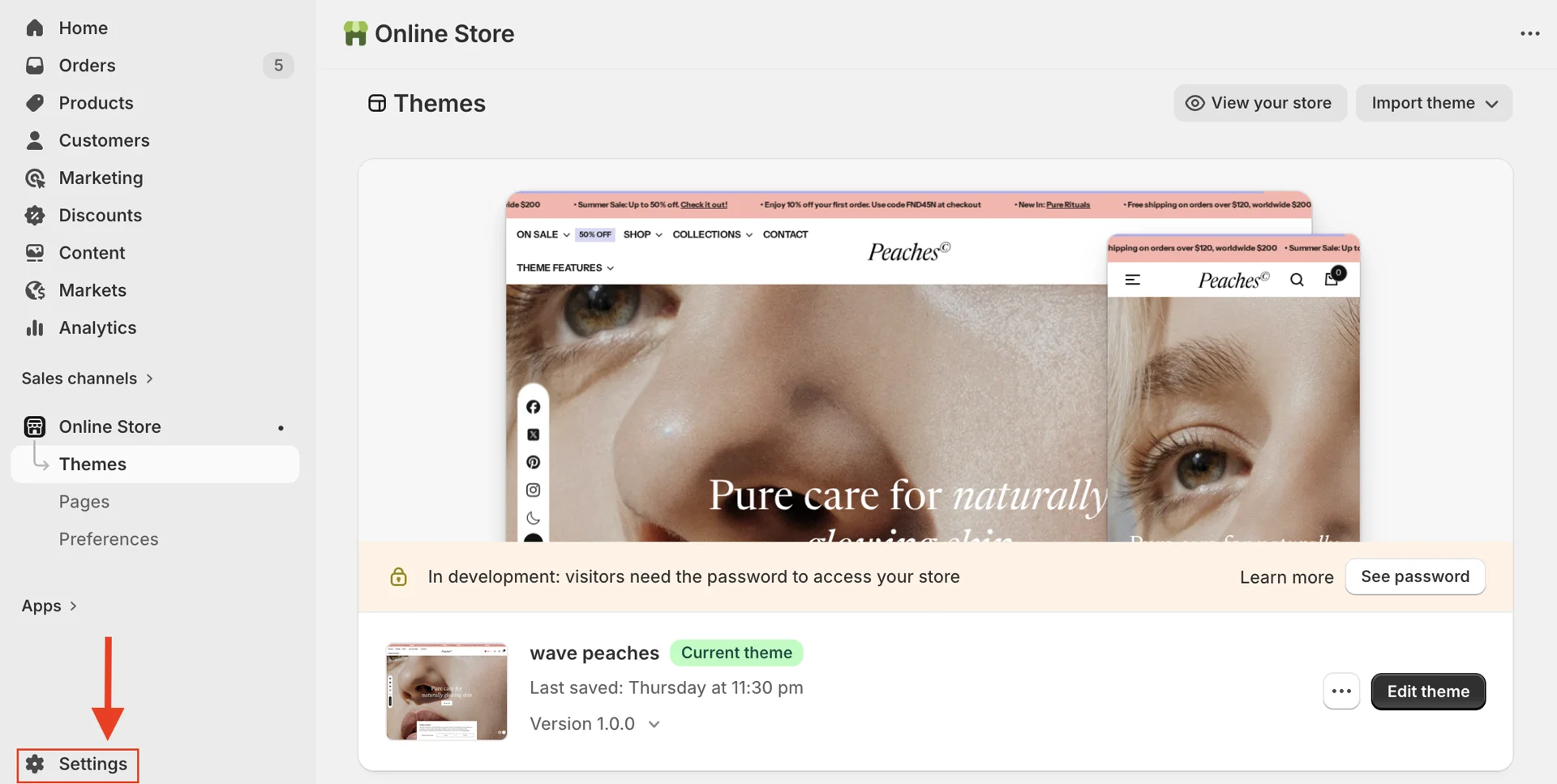
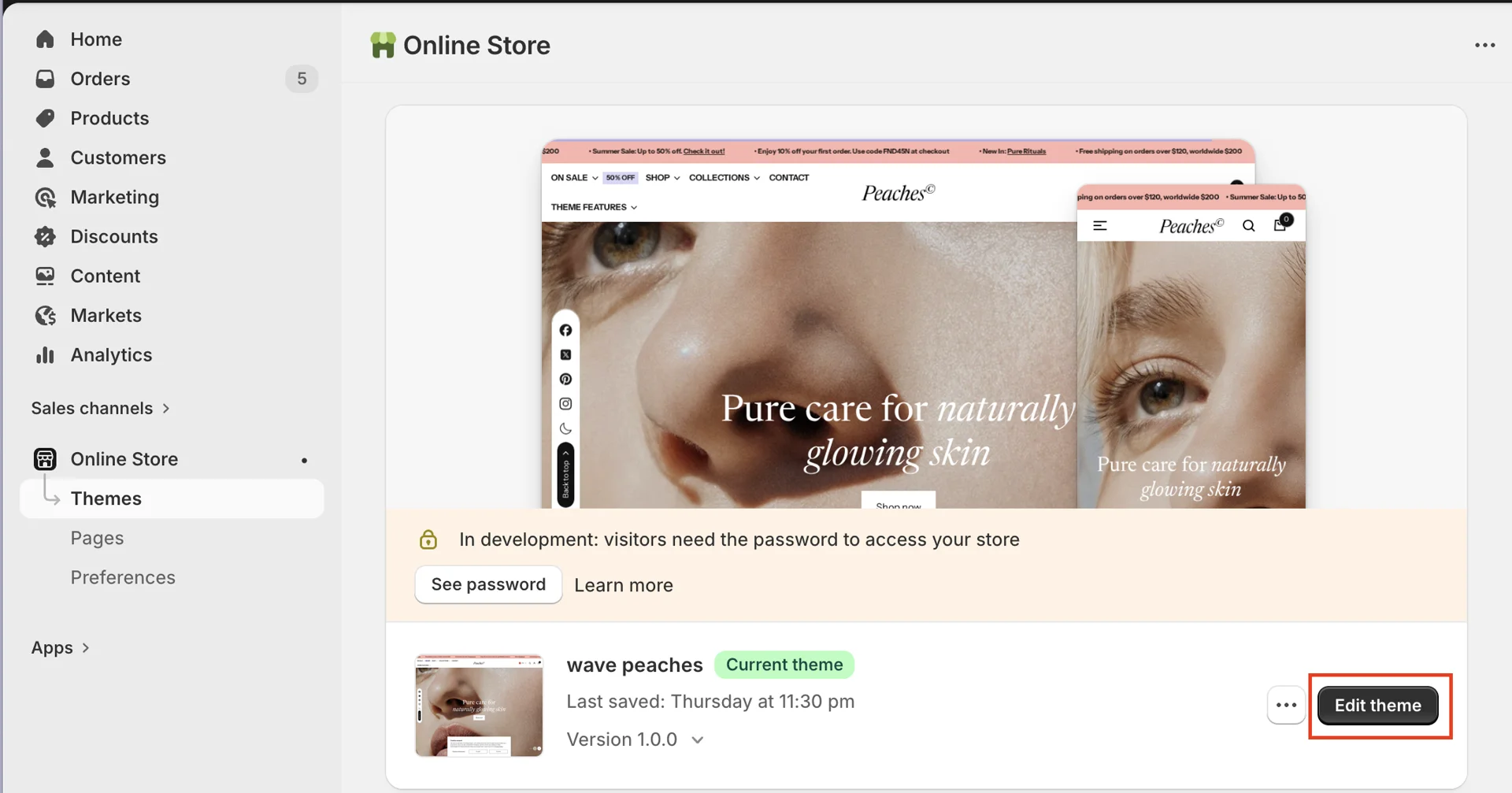
On your store's Shopify admin page, from the left-side menu, select Sales channels > Online store > Themes.
-
In the Current theme section, select Edit theme (or Customize) to open the Theme editor.
- Go to the product page > Main product > Product content block > add the Fit scale block.