Drag, resize & rotate
Drag Resize and Rotate is a floating element allow content inside it to postion and rotate freely without being in a grid layout. This is very useful for building complex and unconstrain layout.
Structure & Usage
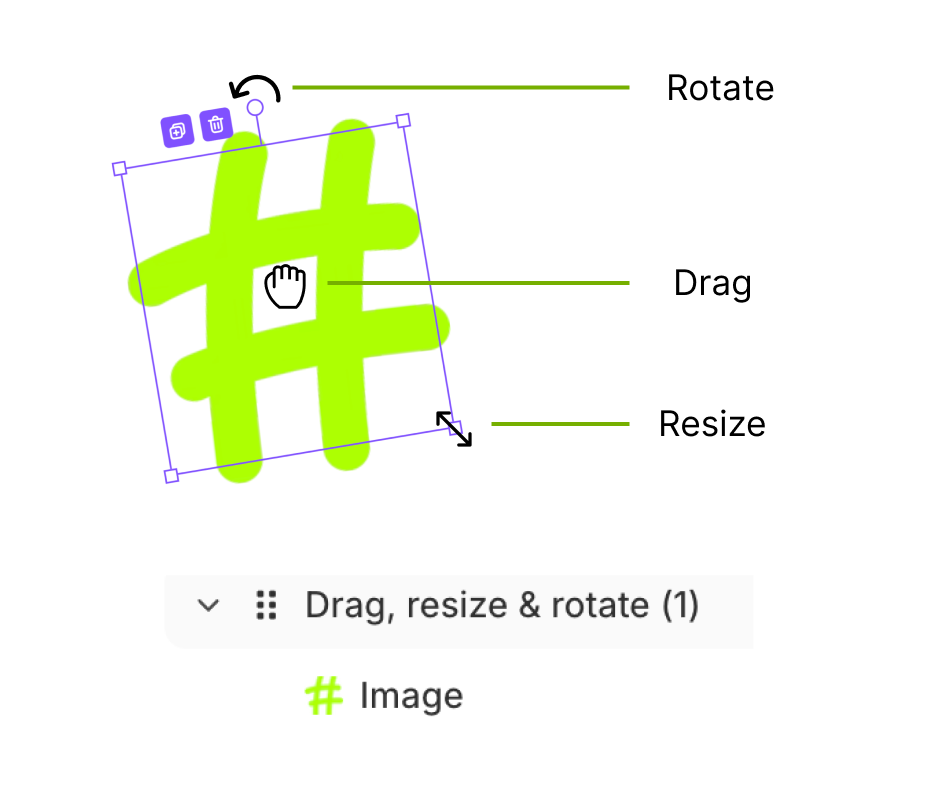
Once added to the canvas, you can insert anything inside using Drag, resize & rotate.
The element will have a purple bounding box, and you can interact with it in three ways:
- Click & Drag in the middle of the element to move it to any position.
- Click & Rotate the handle at the top to rotate it.
- Click & Drag one of the four corners of the bounding box to resize the element.
Content Tab
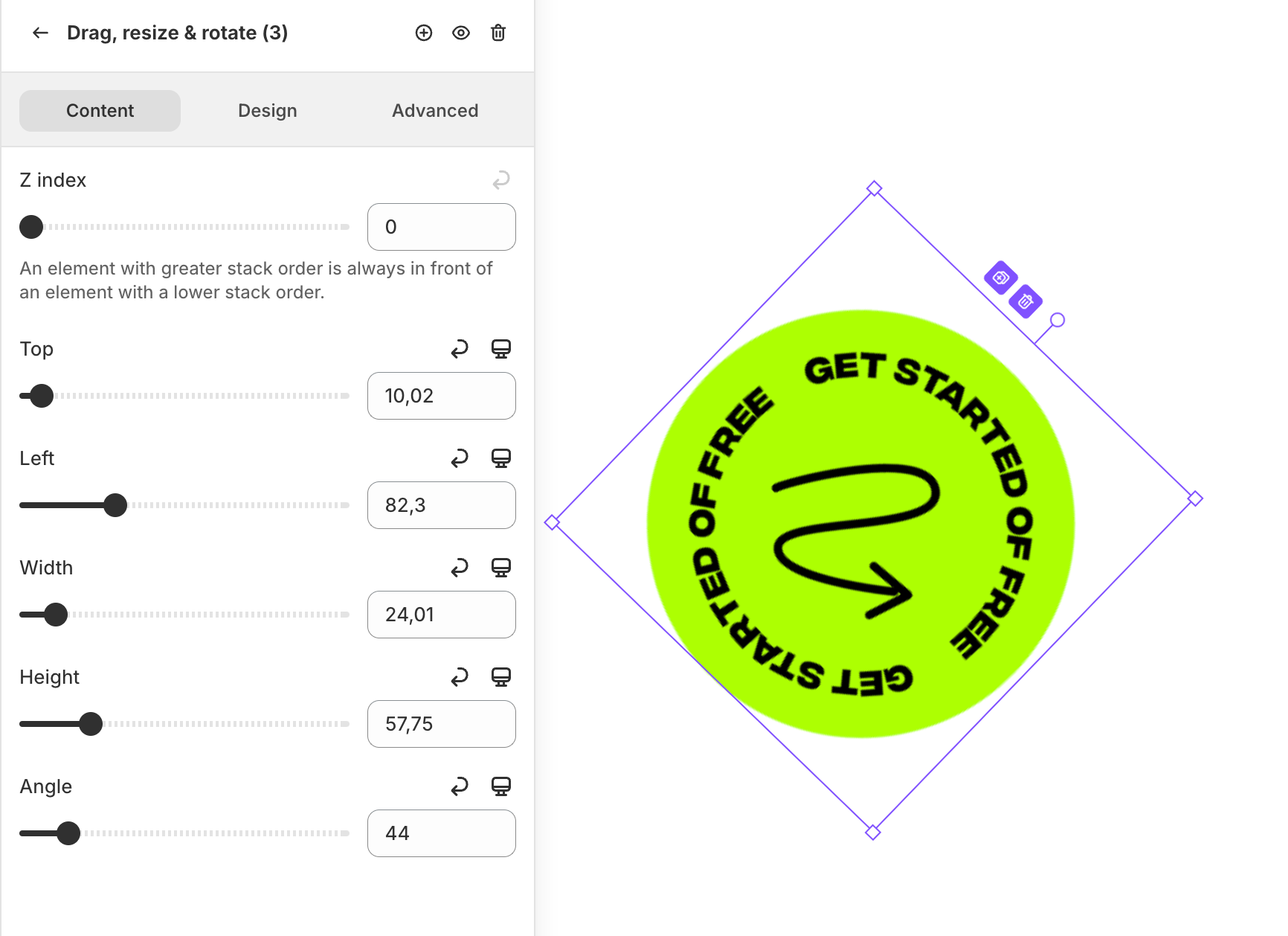
You can find the settings in Drag, resize & rotate → Content.
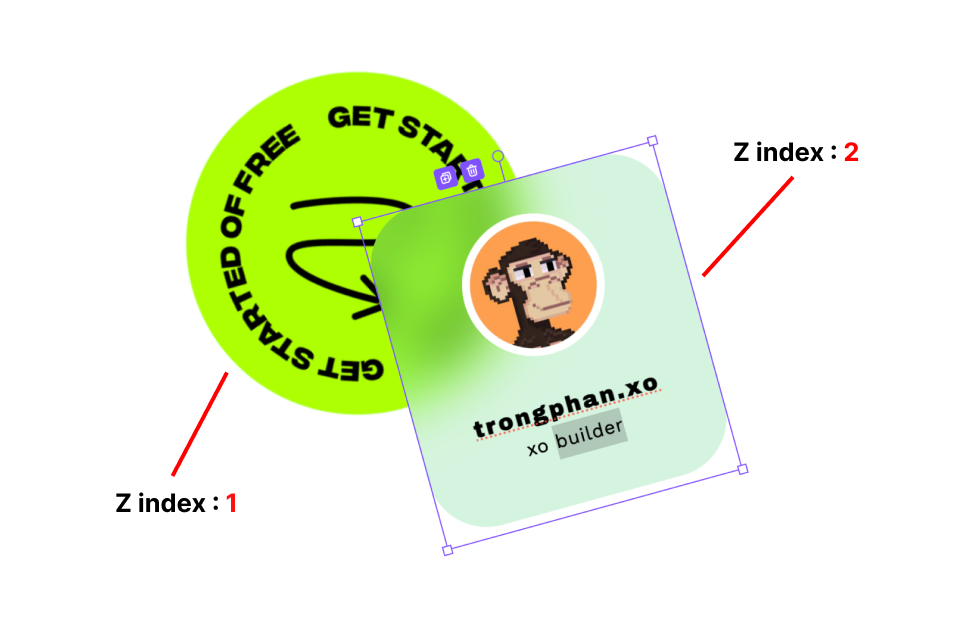
Z index
The order on the Z axis (depth) of the Drag, resize & rotate element. Adjust this value if you want to change the stacking order of the element layers. The higher the number, the closer the layer will be to the top.
Transform properties
You have the option to adjust the position (Top, Left), size (Width, Height), and rotation (Angle) of the element using specific values, giving you greater precision than dragging and dropping directly on the canvas.