Interactive Sections
Wave includes 10 interactive sections that engage visitors with dynamic, clickable, and visual experiences.
Hotspot Sections
Hotspot sections let you place interactive markers on images. When visitors click or hover on a marker, they see product details, descriptions, or links.
| Section | Description |
|---|---|
| Hotspot | Image with clickable product hotspots 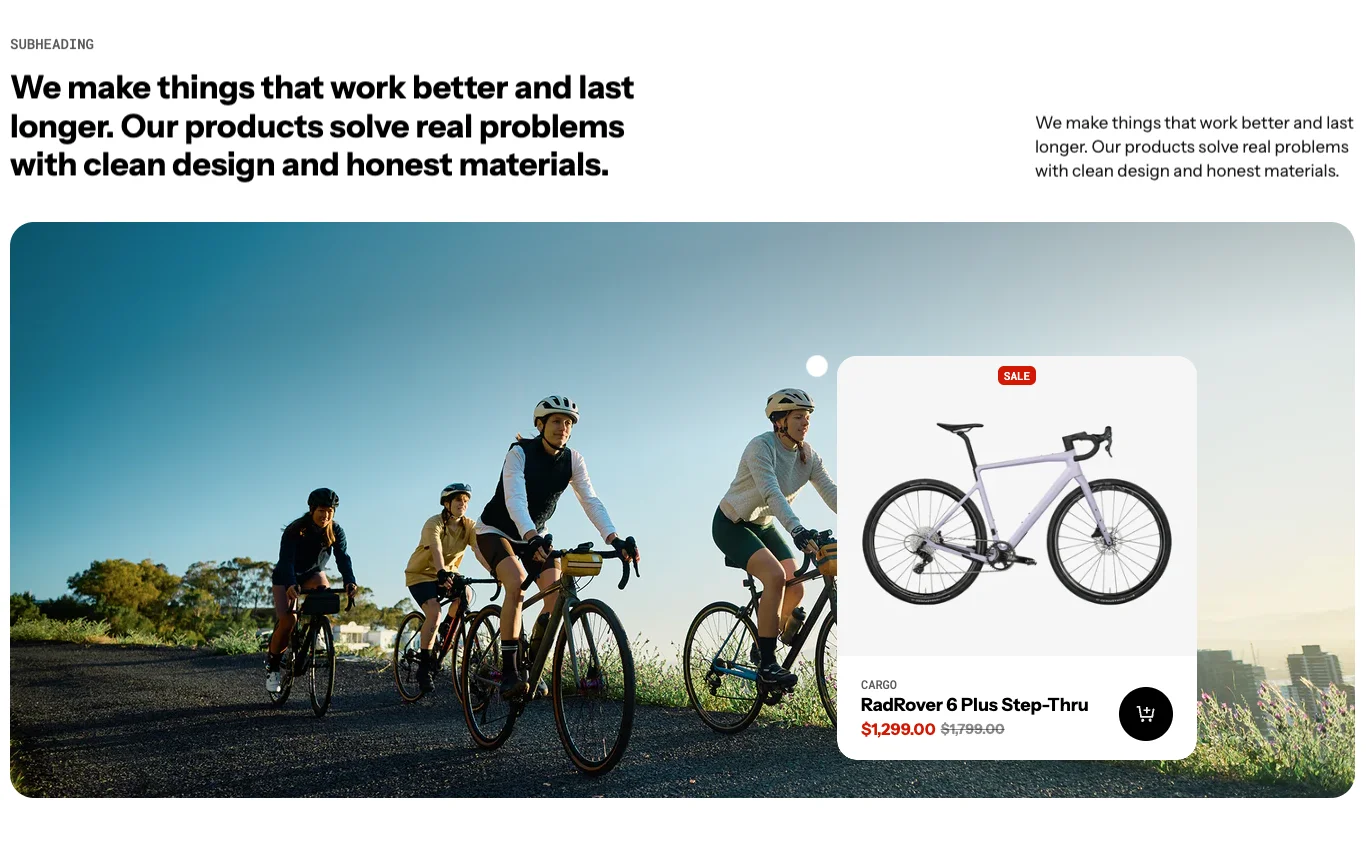 |
| Hotspot Carousel | Carousel of images, each with hotspots 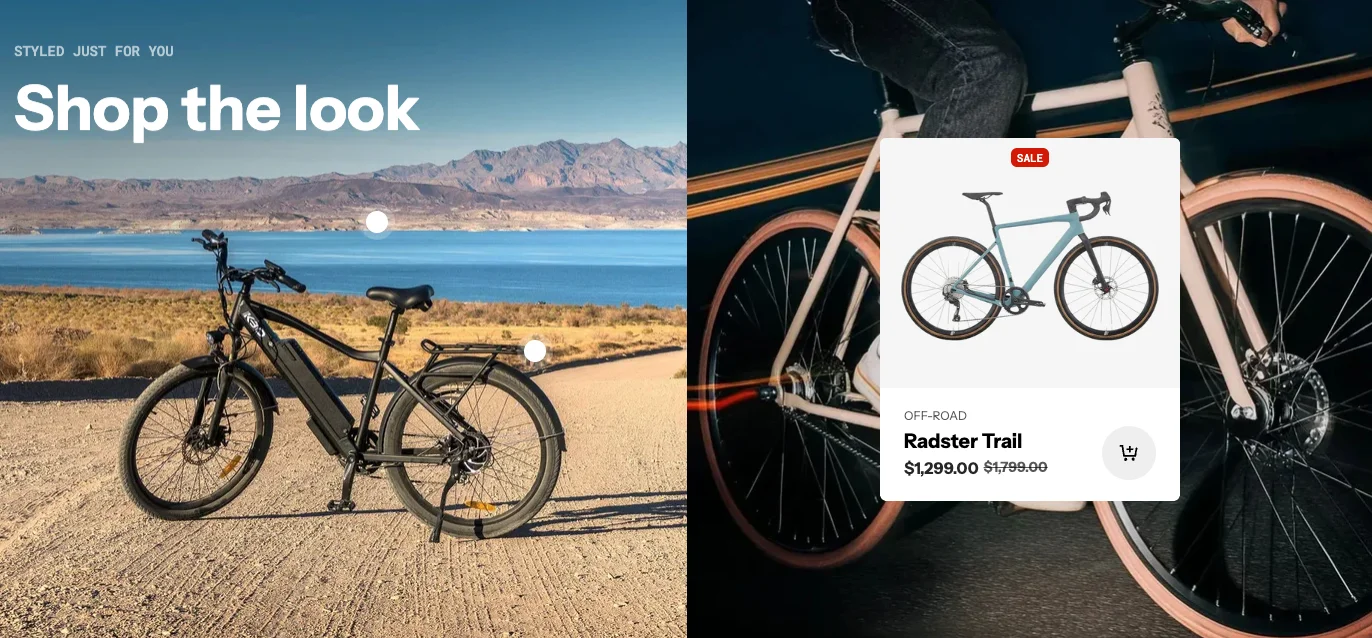 |
| Hotspot Highlight | Hotspots with highlighted product cards on interaction 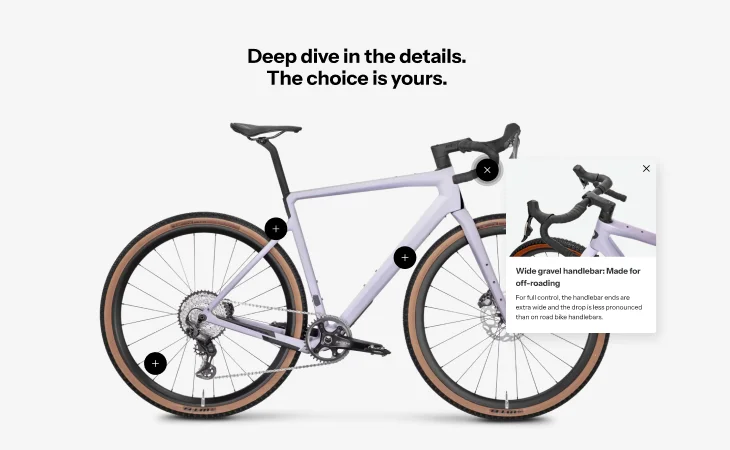 |
| Hotspot Popover | Hotspots that open popover cards with product info 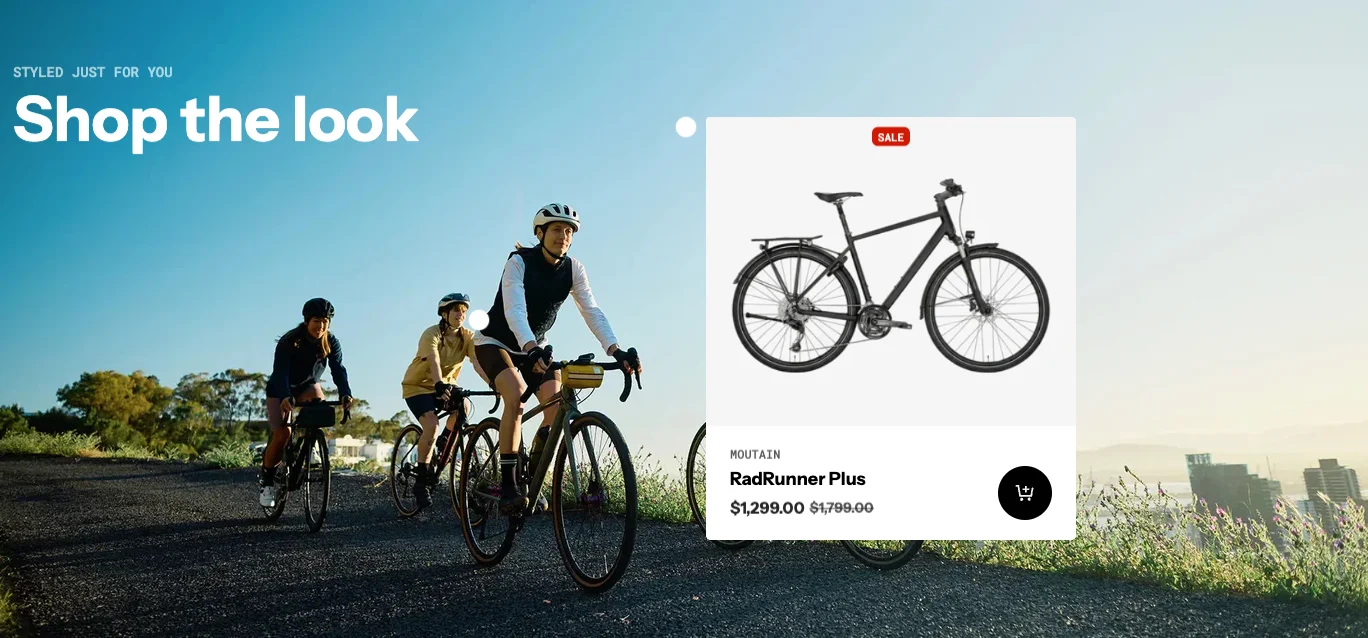 |
Common features across hotspot sections:
- Place markers at precise positions on images
- Link hotspots to products for quick-add functionality
- Custom marker icons and colors
- Mobile-friendly tap interactions
- Multiple hotspots per image
Use cases: Shop the look, product catalogs, room/space showcases, annotated product images.
Store Locator Sections
Help customers find physical store locations with interactive maps and location lists.
| Section | Description |
|---|---|
| Store locator | Sticky image/map on the left with content grid on the right 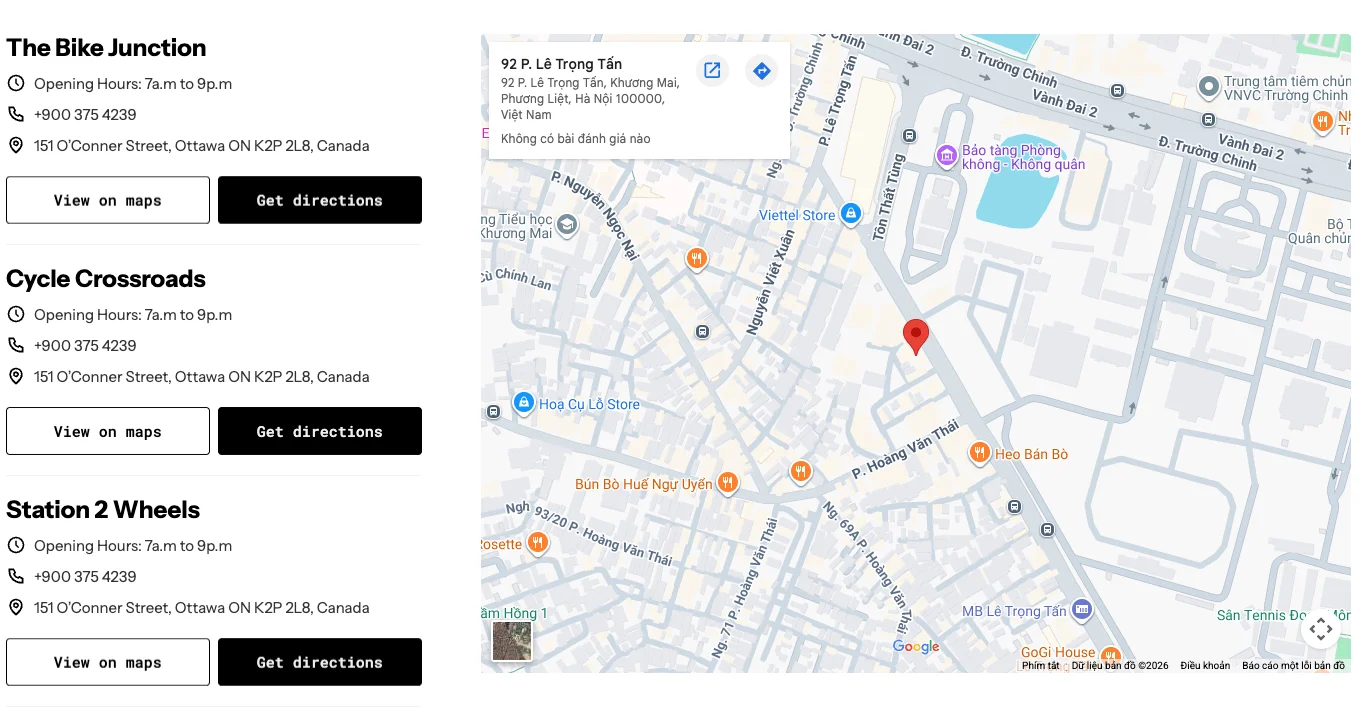 |
| Store locator collapse | Map-focused layout with collapsible location list sidebar 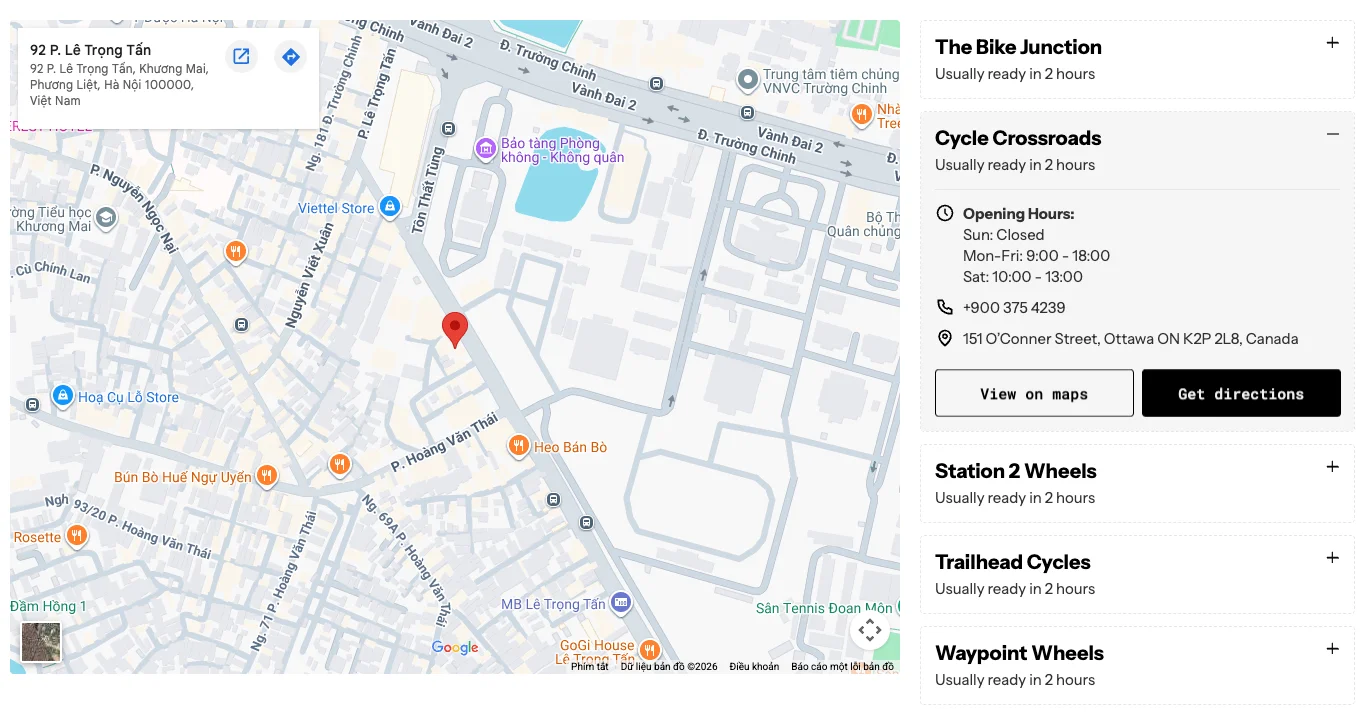 |
| Store locator: Grid | Flexible layout supporting carousel, grid, or masonry modes 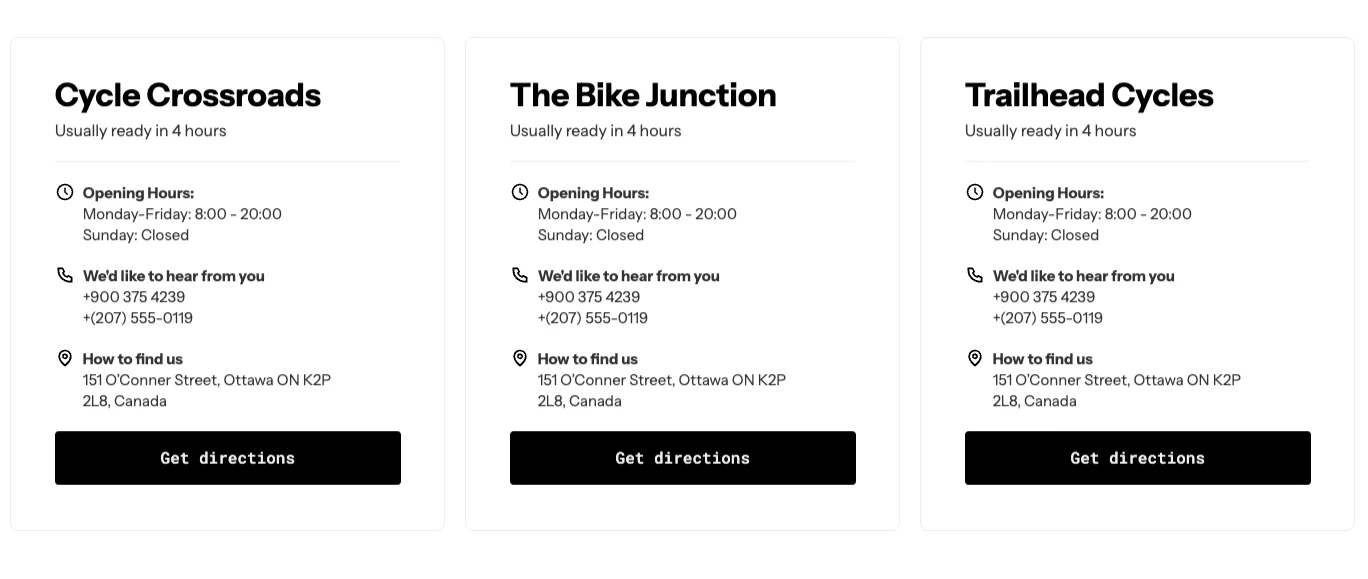 |
Common features:
- Store addresses with map display
- Store hours and contact information
- Search by location
- Distance-based sorting
- Custom store images
Product Compare
Allow visitors to compare products side by side.
| Section | Description |
|---|---|
| Product Compare | Side-by-side product comparison table 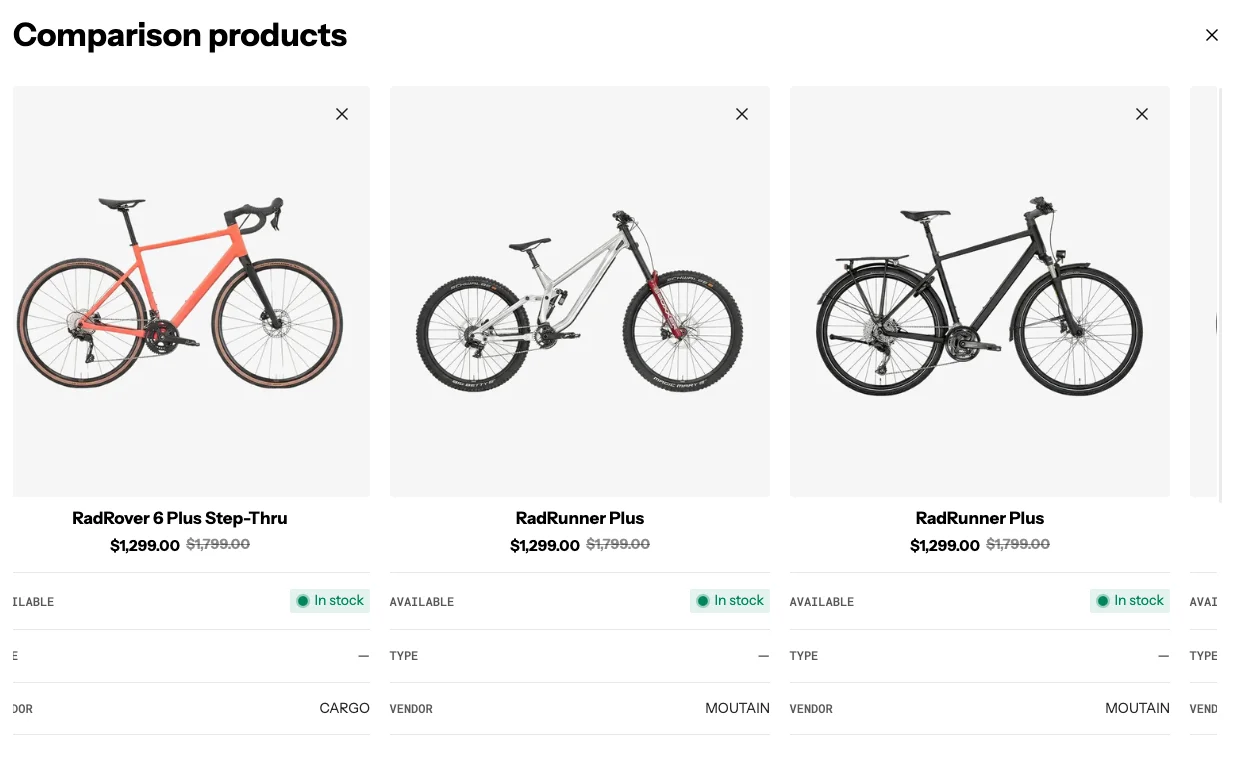 |
| Product Compare Modal | Product comparison in a modal overlay |
Features:
- Compare multiple products simultaneously
- Feature-by-feature comparison rows
- Dynamic row height synchronization
- Add/remove products from comparison
- Responsive layout for mobile
Feature Chart
A comparison chart for showcasing product features, specifications, or plan differences.
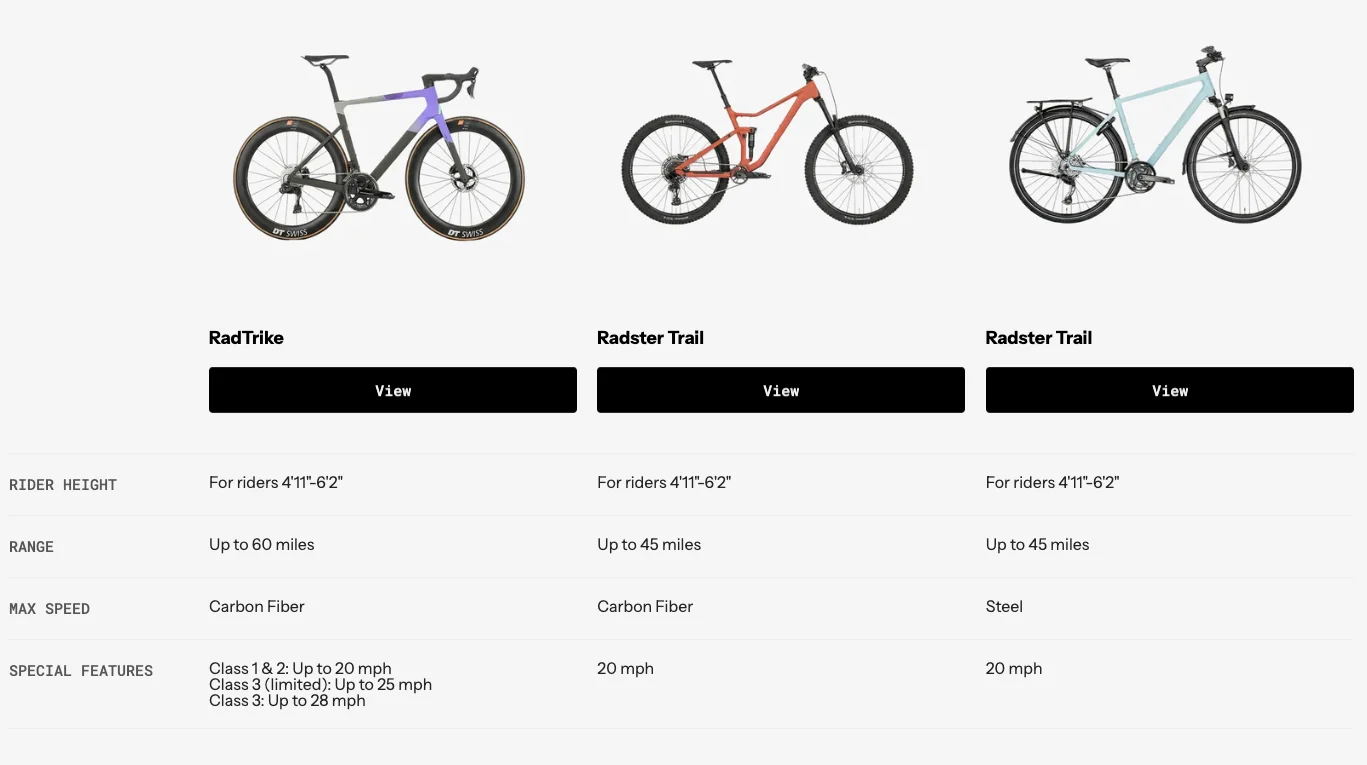
Features:
- Column-based feature comparison
- Check marks, values, or custom content per cell
- Highlighted/recommended column
- Sticky header on scroll
- Responsive with horizontal scrolling on mobile