Header & Footer Sections
These sections make up the global navigation and branding areas of your store. They appear on every page as part of section groups.
Header
The main navigation bar at the top of your store.

Features:
- Store logo (default and inverse variants for transparent backgrounds)
- Main navigation menu with dropdown support
- Search icon with predictive search
- Cart icon with item count
- Customer account link
- Language and currency selectors
- Transparent header option for hero sections
- Sticky header (stays visible on scroll)
Announcement Bar
A thin banner at the top of the page for promotions, shipping info, or store notices.

Features:
- Multiple announcement messages (rotates automatically)
- Link support for each announcement
- Dismissible by visitors
- Customizable colors and typography
Mega Menu
Wave includes 3 mega menu styles for complex navigation:
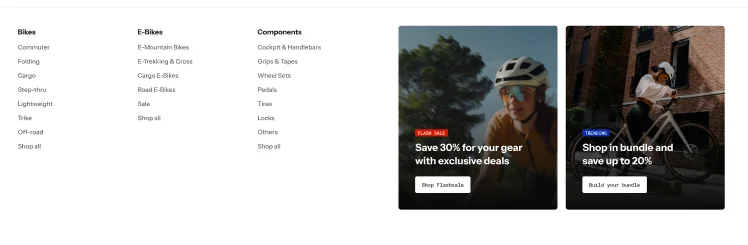
Mega menu: Classic
A full-width dropdown with two static content groups for organized link columns and optional featured images.
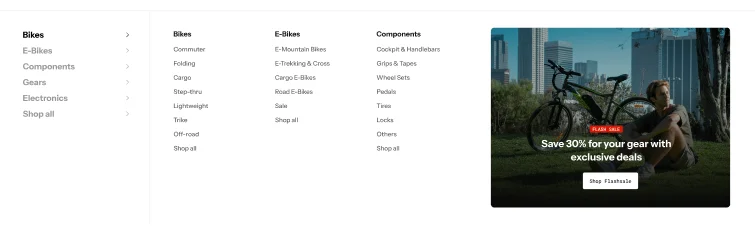
Mega menu: Sidebar
A category-based dropdown with link lists organized by category, plus a supplementary content group.
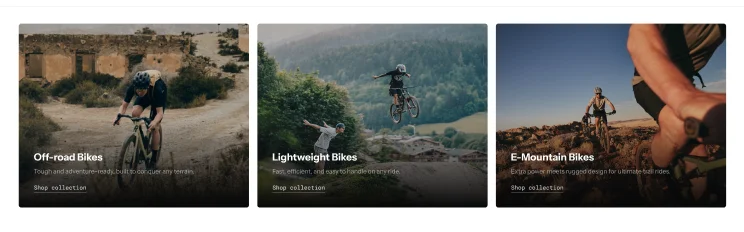
Mega Menu Builder
A fully customizable mega menu using the block system — build any layout with images, text, links, and product cards. Comes with two presets: Collections and Links.
Features across all mega menus:
- Multi-level navigation
- Featured images and product cards
- Collection highlights
- Promotional banners within the menu
- Mobile-responsive with hamburger menu fallback
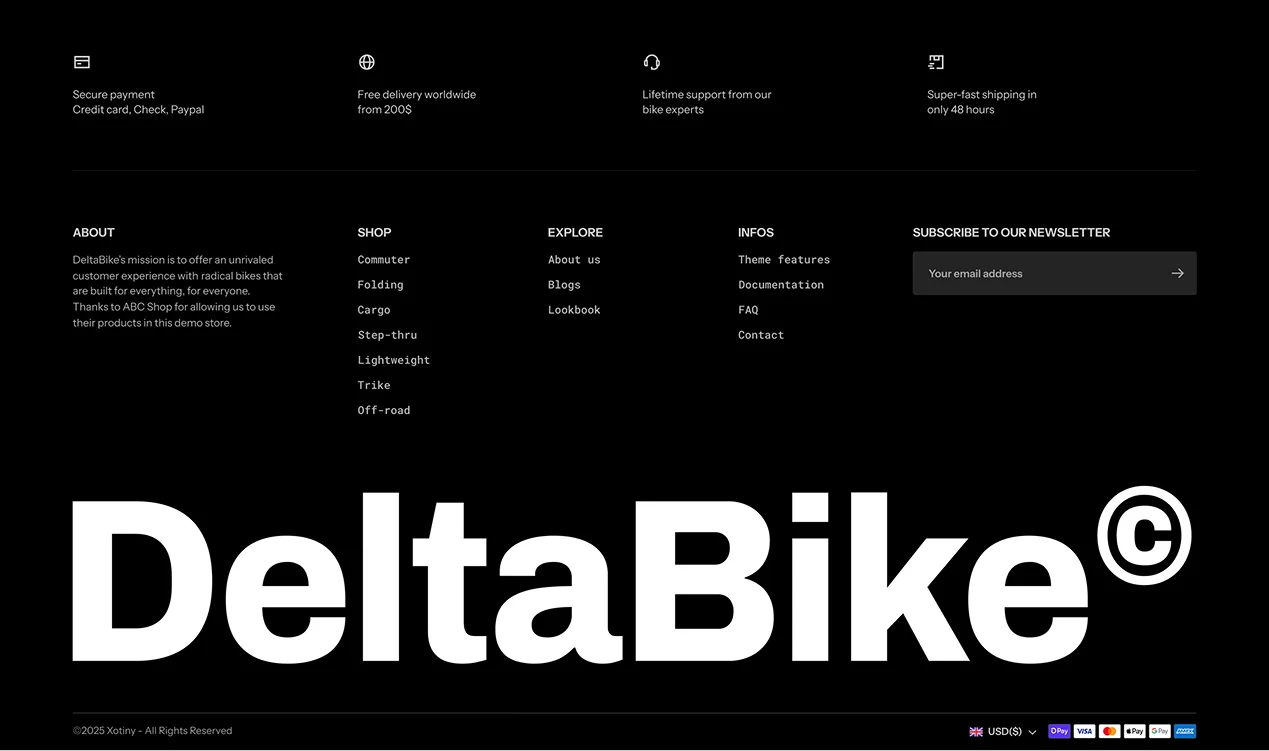
Footer
The bottom section of your store with links, contact info, and branding.
Features:
- Multiple column layout with link lists
- Newsletter signup form
- Social media icon links
- Payment icons display
- Currency and language selectors
- Copyright text and custom content
- Logo display
Mobile Dock
A fixed bottom navigation bar for mobile devices, providing quick access to key pages.

Features:
- Customizable navigation items (Home, Search, Cart, Account, etc.)
- Icon + label display
- Cart item count badge
- Always visible on mobile screens
Floating Sidebar
A sticky sidebar with quick-action buttons, visible on the side of the screen.

Features:
- Quick access to cart, wishlist, or custom links
- Customizable icon buttons
- Shows/hides based on scroll position
- Desktop and mobile variants