Install
- Open XO Tunnel on the Shopify App Store and click Install.
- Review the permissions and click Install.
The app opens in your Shopify admin, under Apps > XO Tunnel.
Enable the app embeds
XO Tunnel needs two app embeds to show your Notion content correctly on your storefront: XO Tunnel styles and XO Tunnel scripts.
Until they are enabled, the app shows an Action required banner. Click Activate in the banner to open the theme editor, or go there yourself:
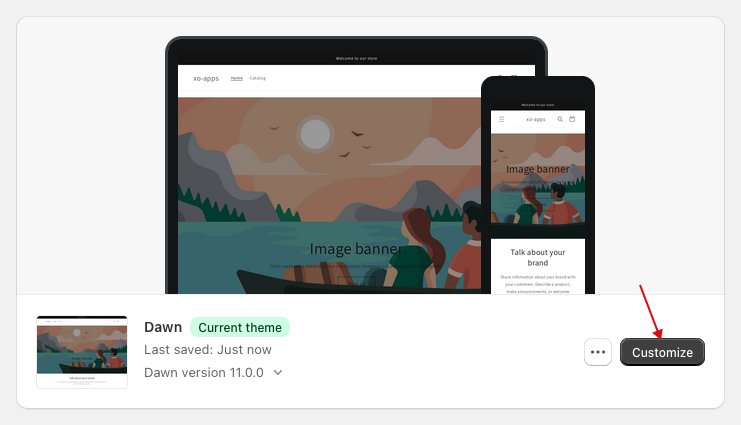
- Go to Online Store > Themes and click Customize on your current theme.
- Click App embeds, then turn on XO Tunnel styles and XO Tunnel scripts.

- Click Save, go back to the app and click Done in the banner.
note
If you change your theme later, enable the app embeds again on the new theme.
Next, follow the setup guide.